
Indexa minimal portfolio Ghost theme
A portfolio theme for photographers, designers, illustrators, architects, artists, and studios of every kind, made for Ghost. Your projects become a numbered index, with their images side by side, a journal for your news, and a CV-style about page. Every layout is a setting in Ghost, so there's no code to touch.
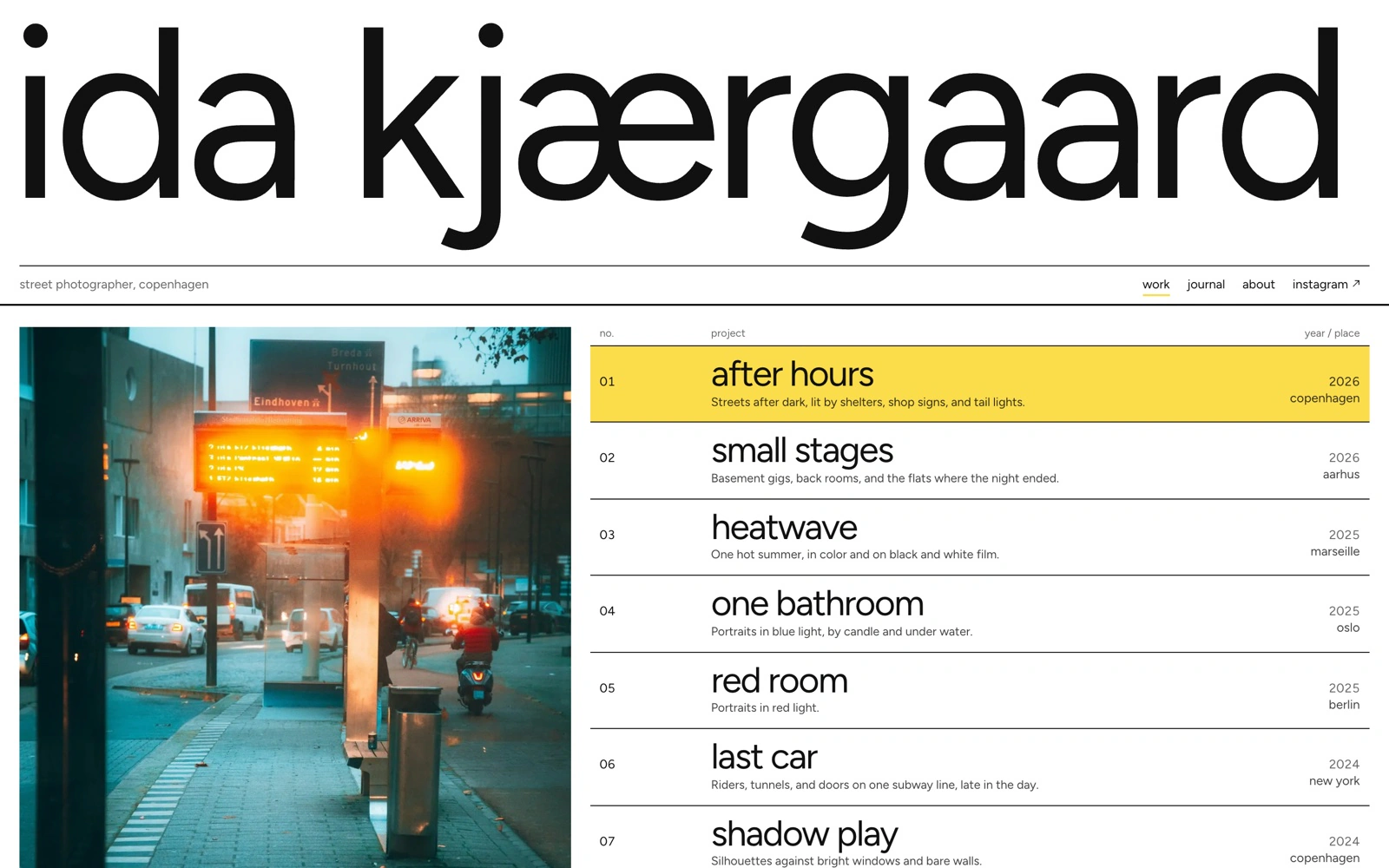
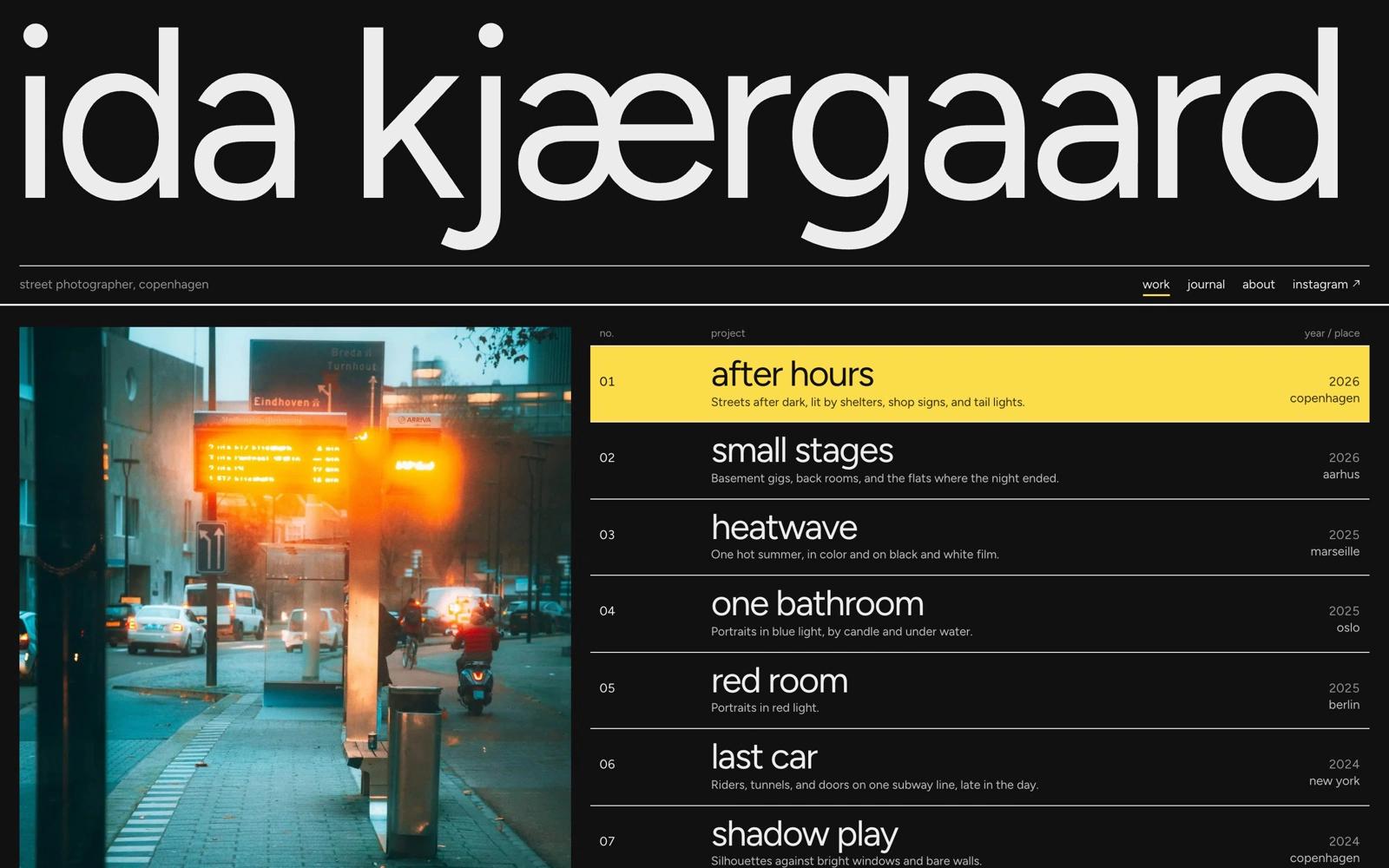
01 List, photo on the left
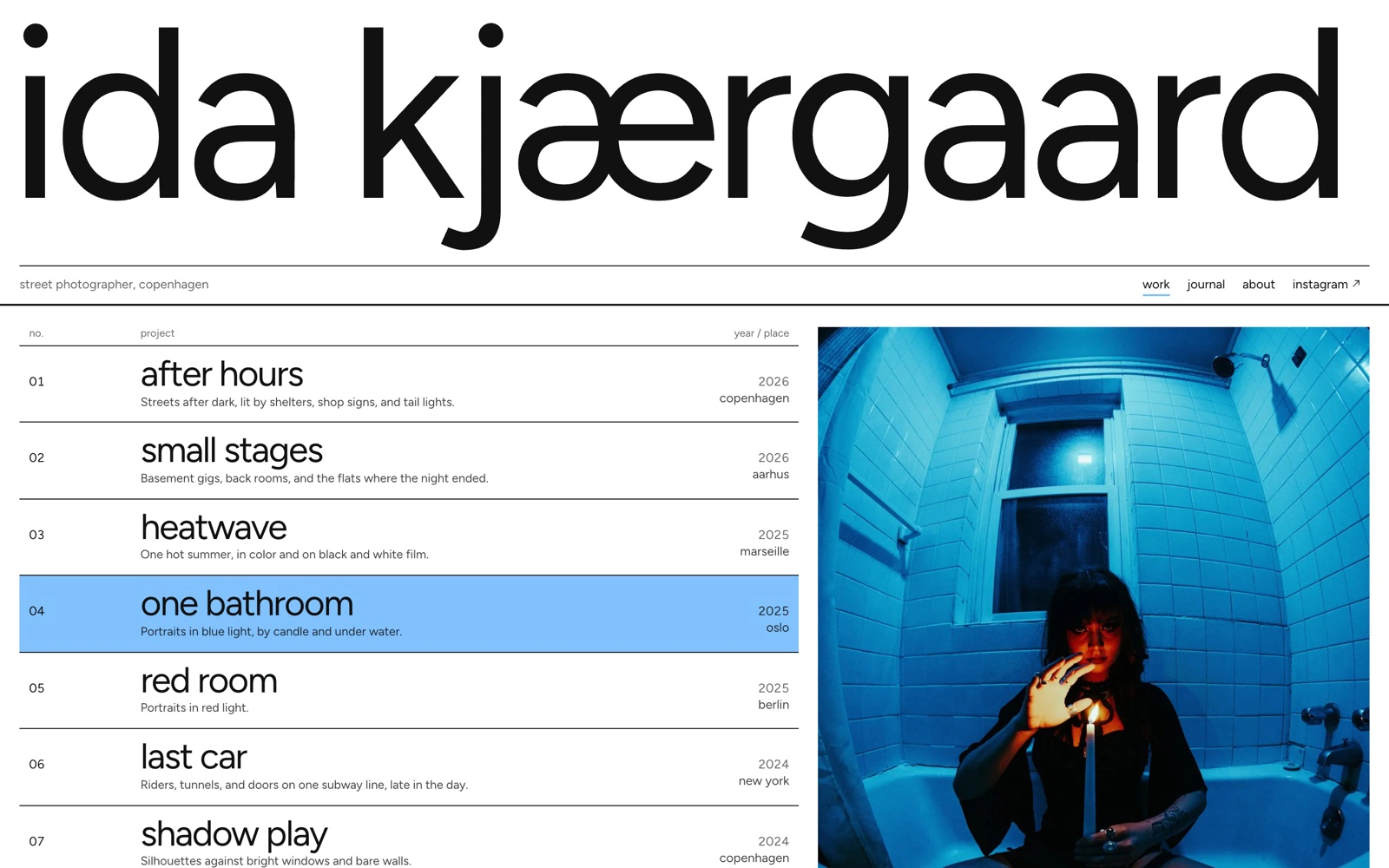
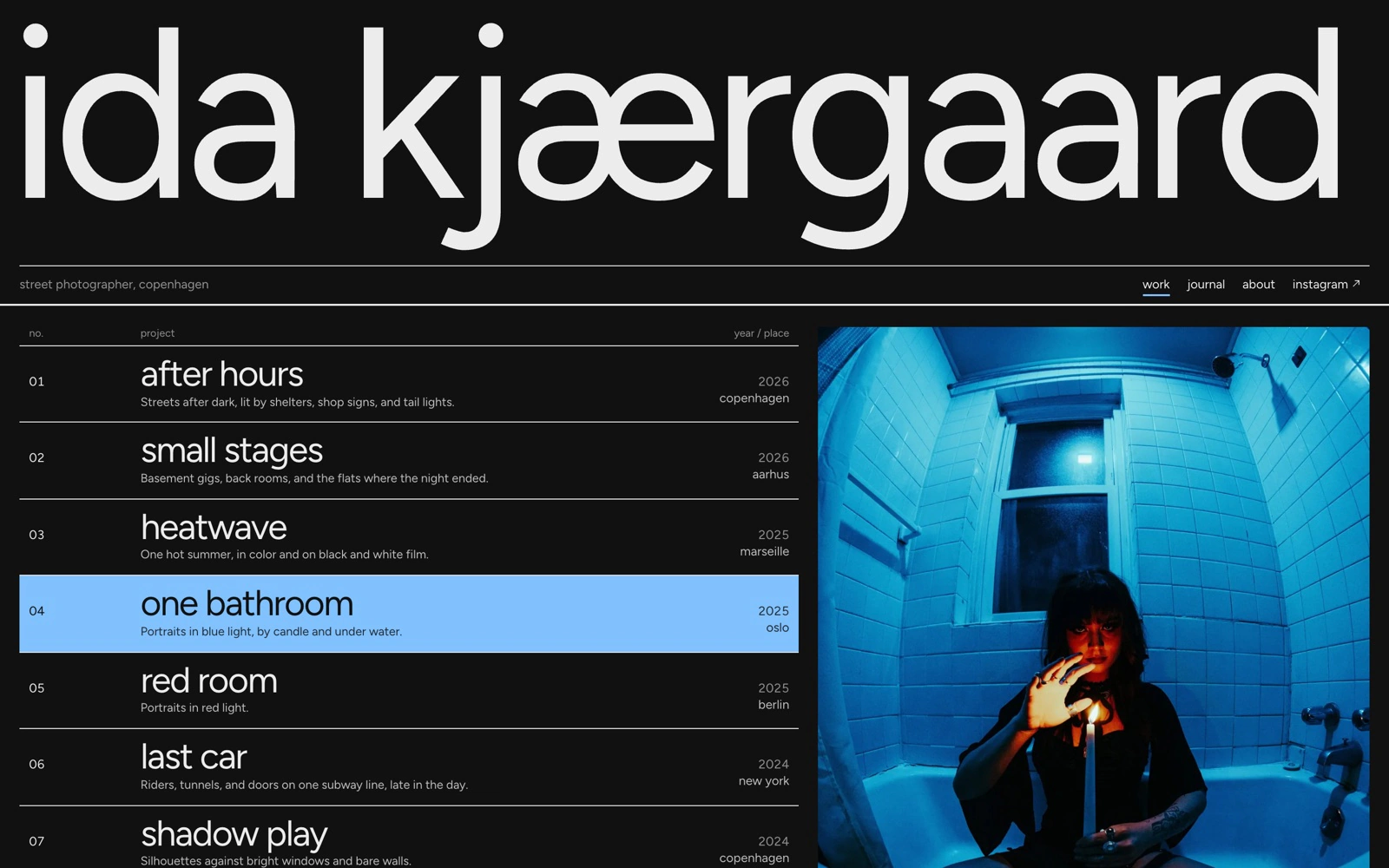
02 List, photo on the right
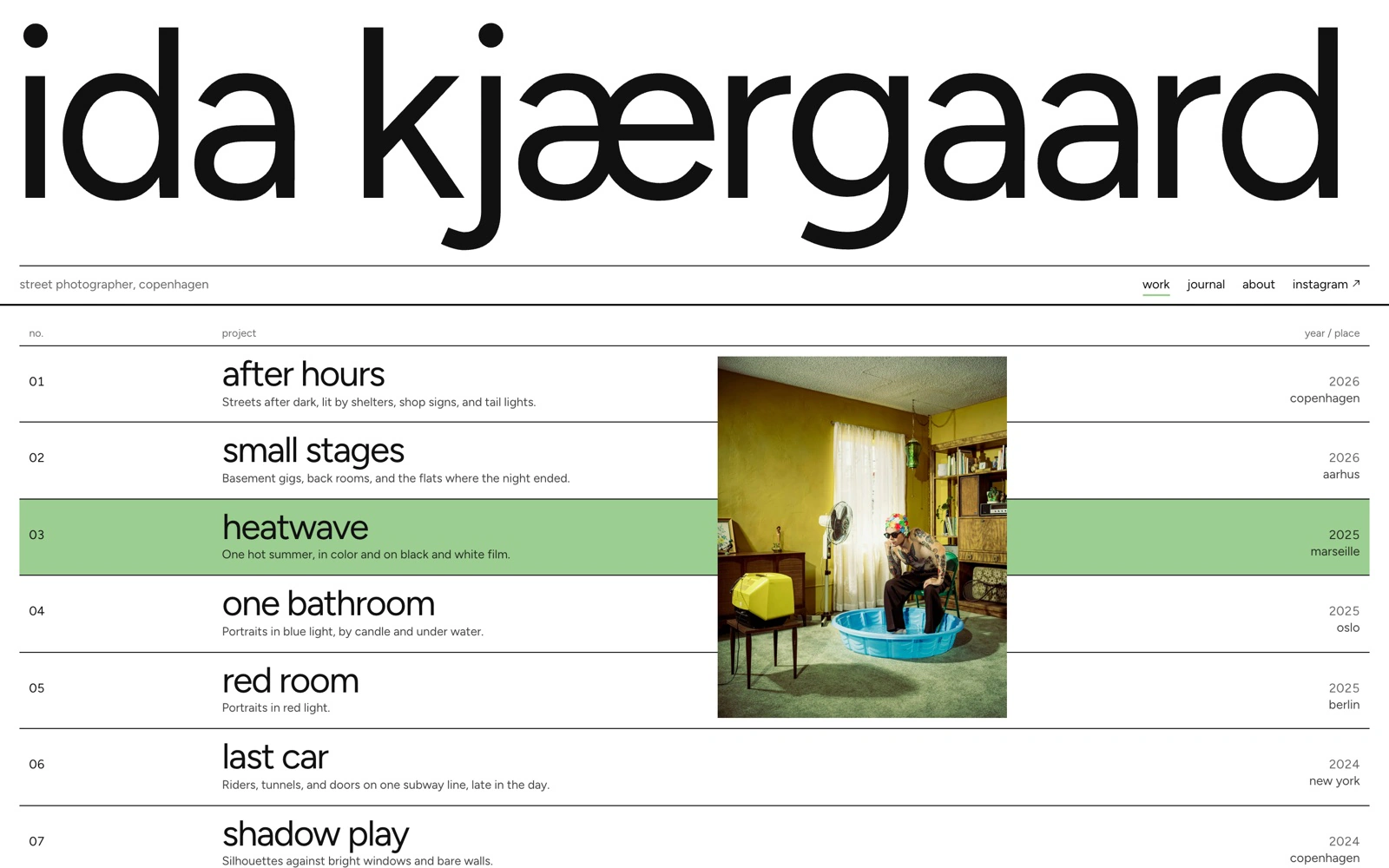
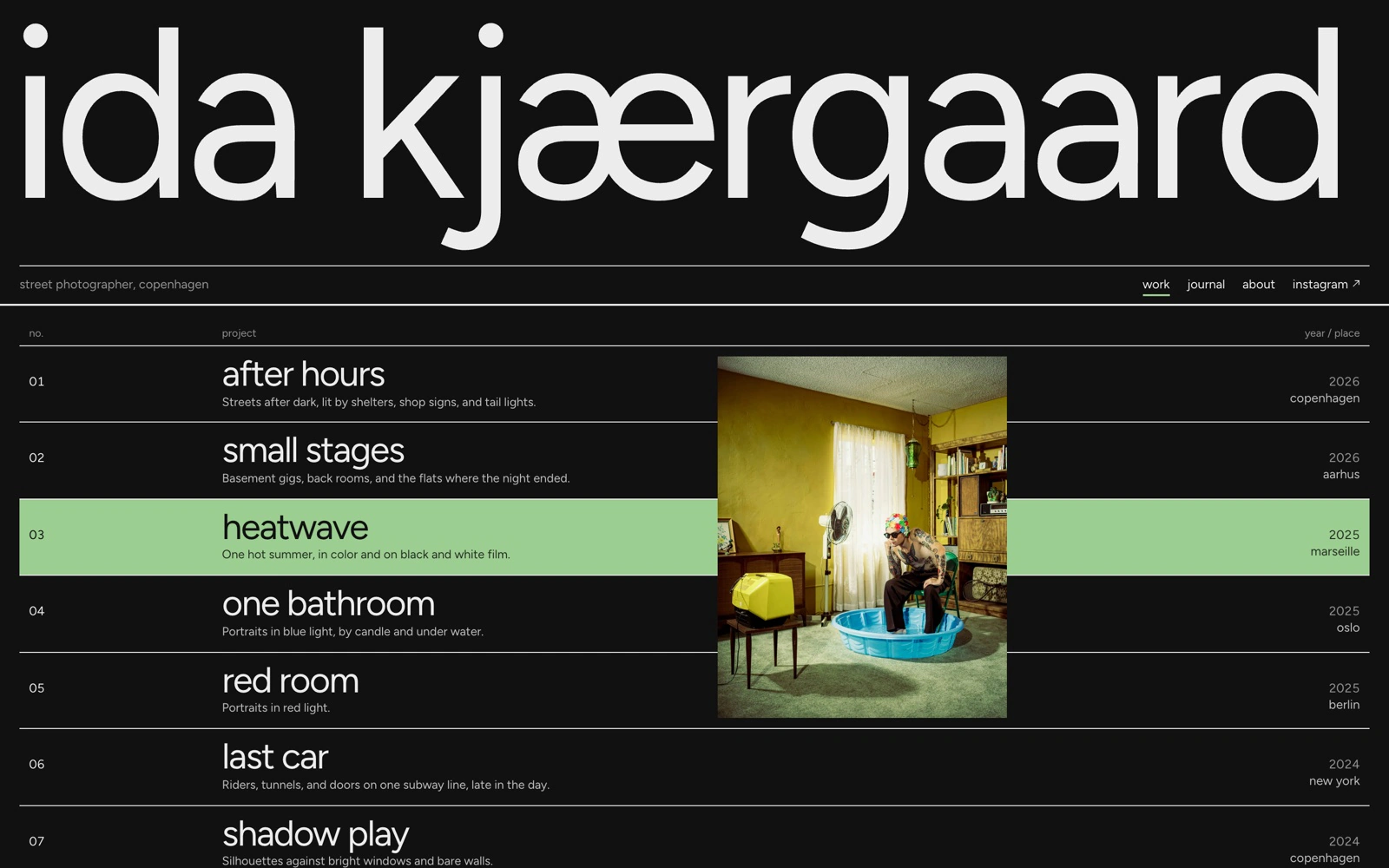
03 List, floating photo
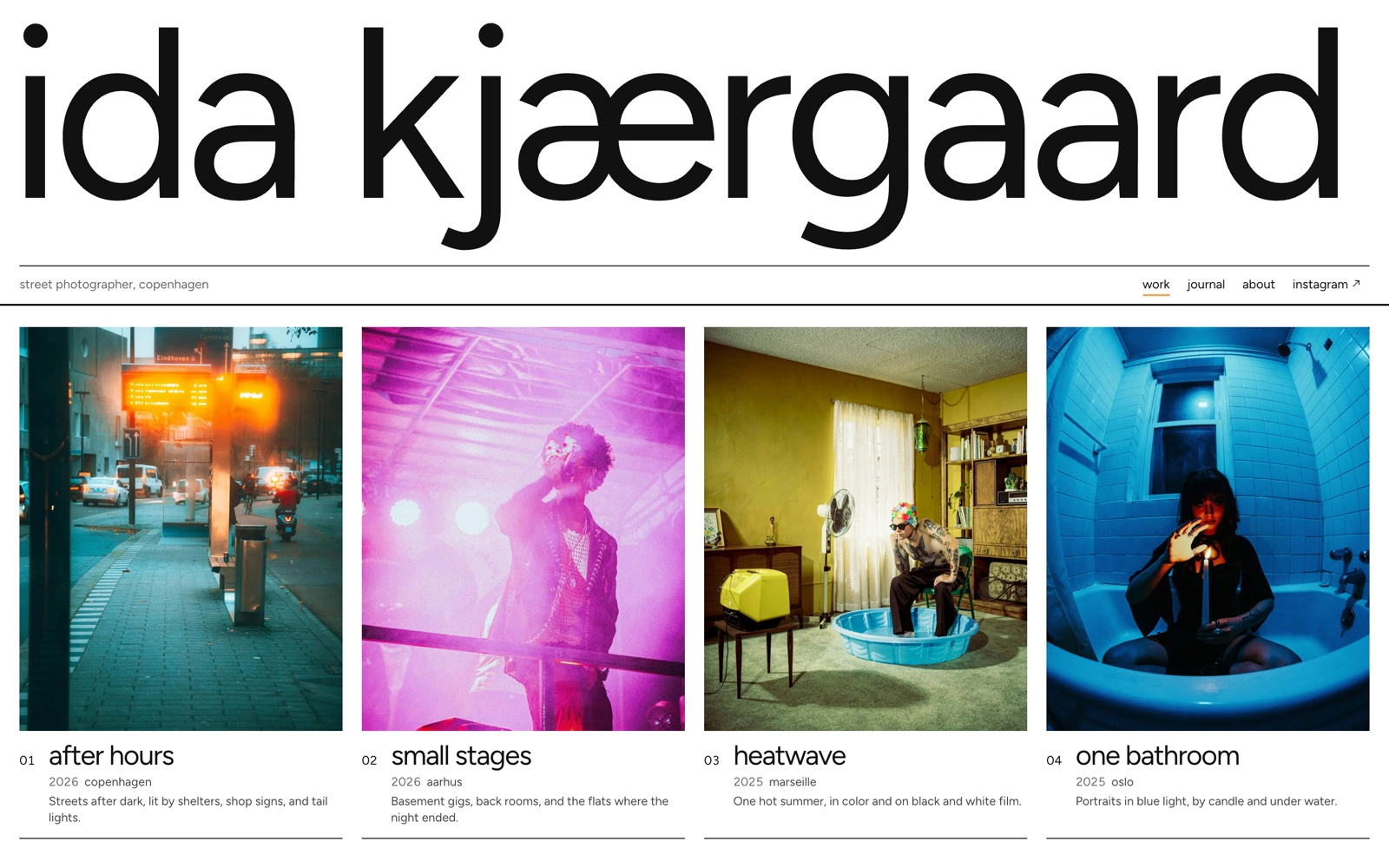
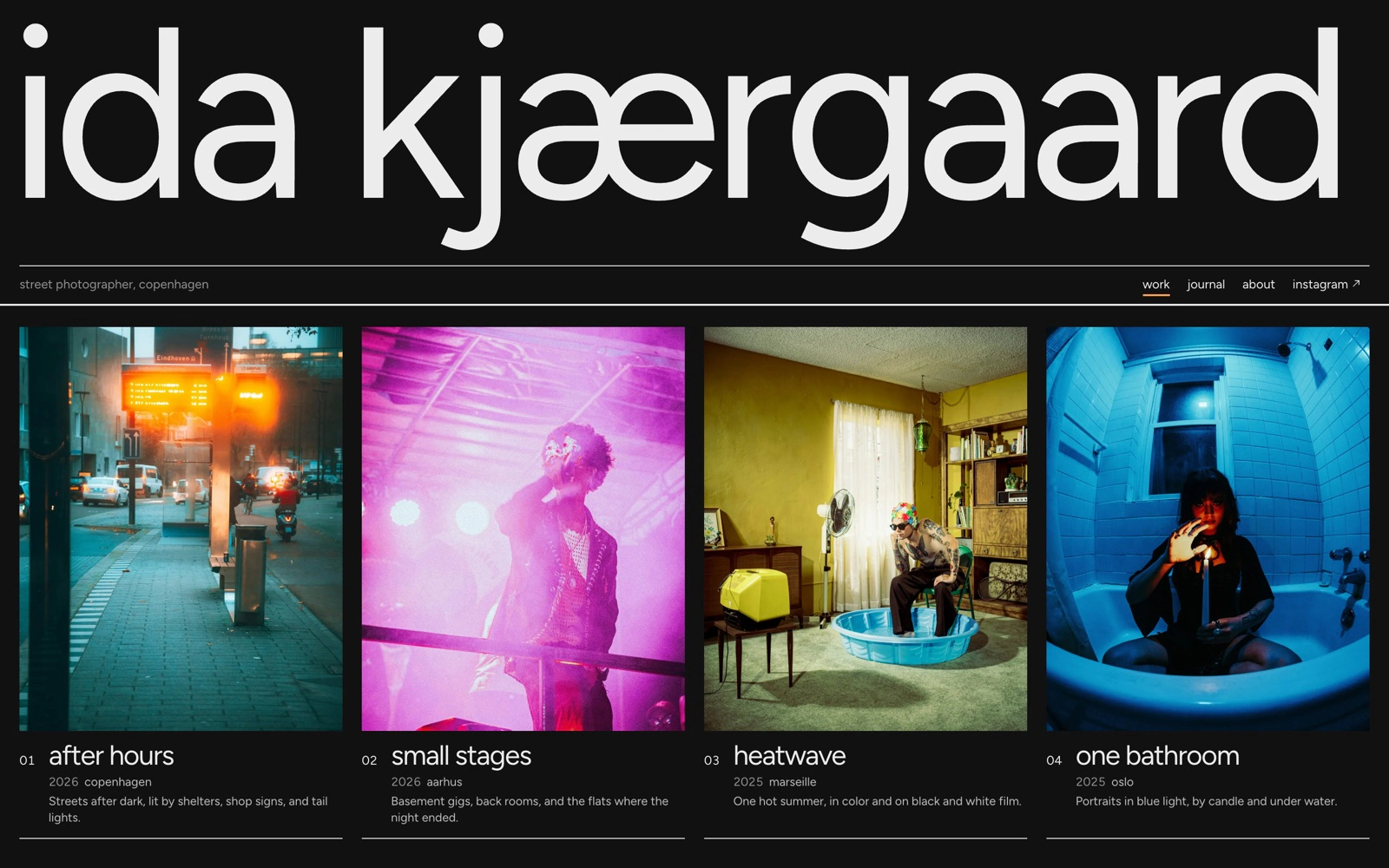
04 Cover grid
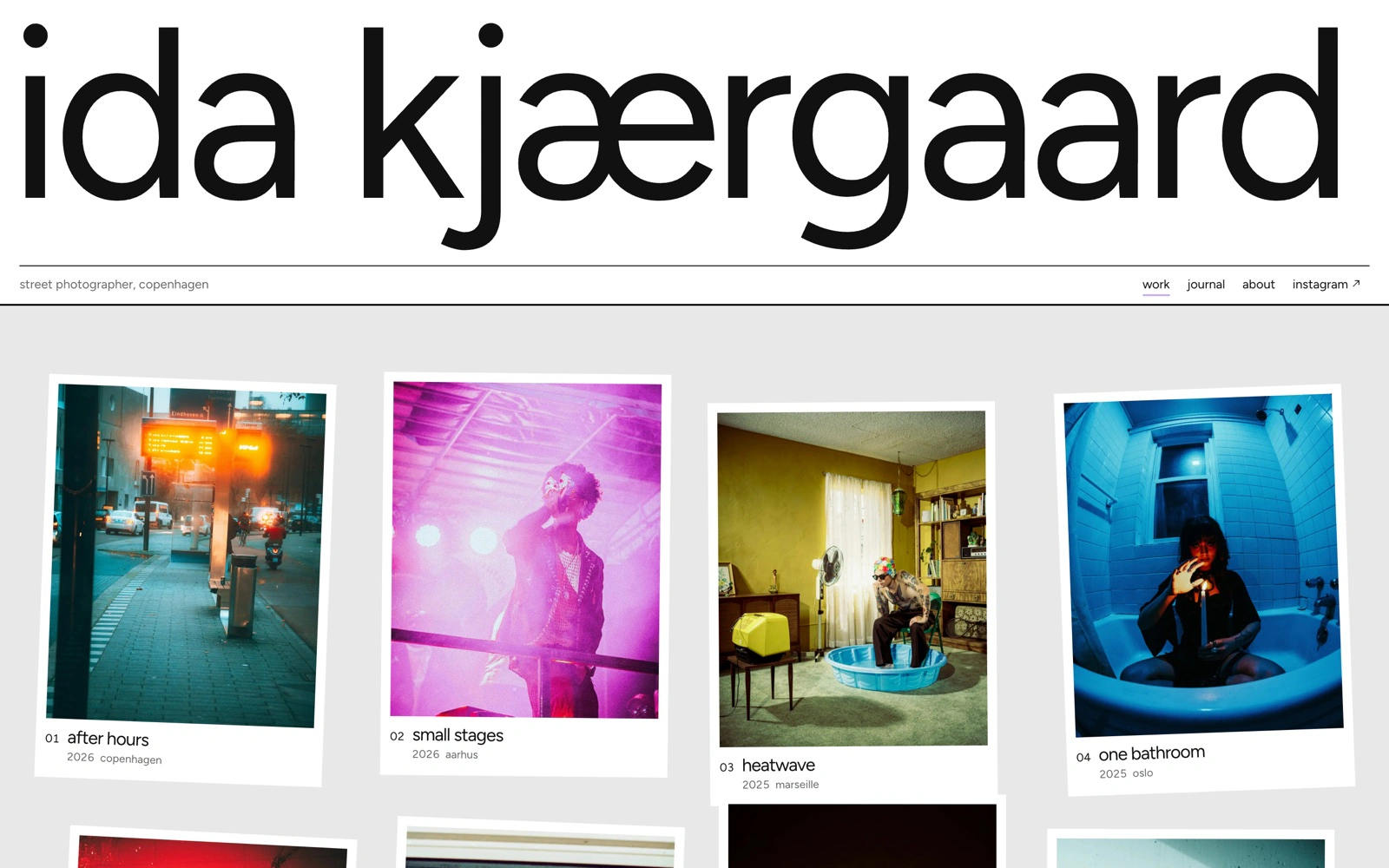
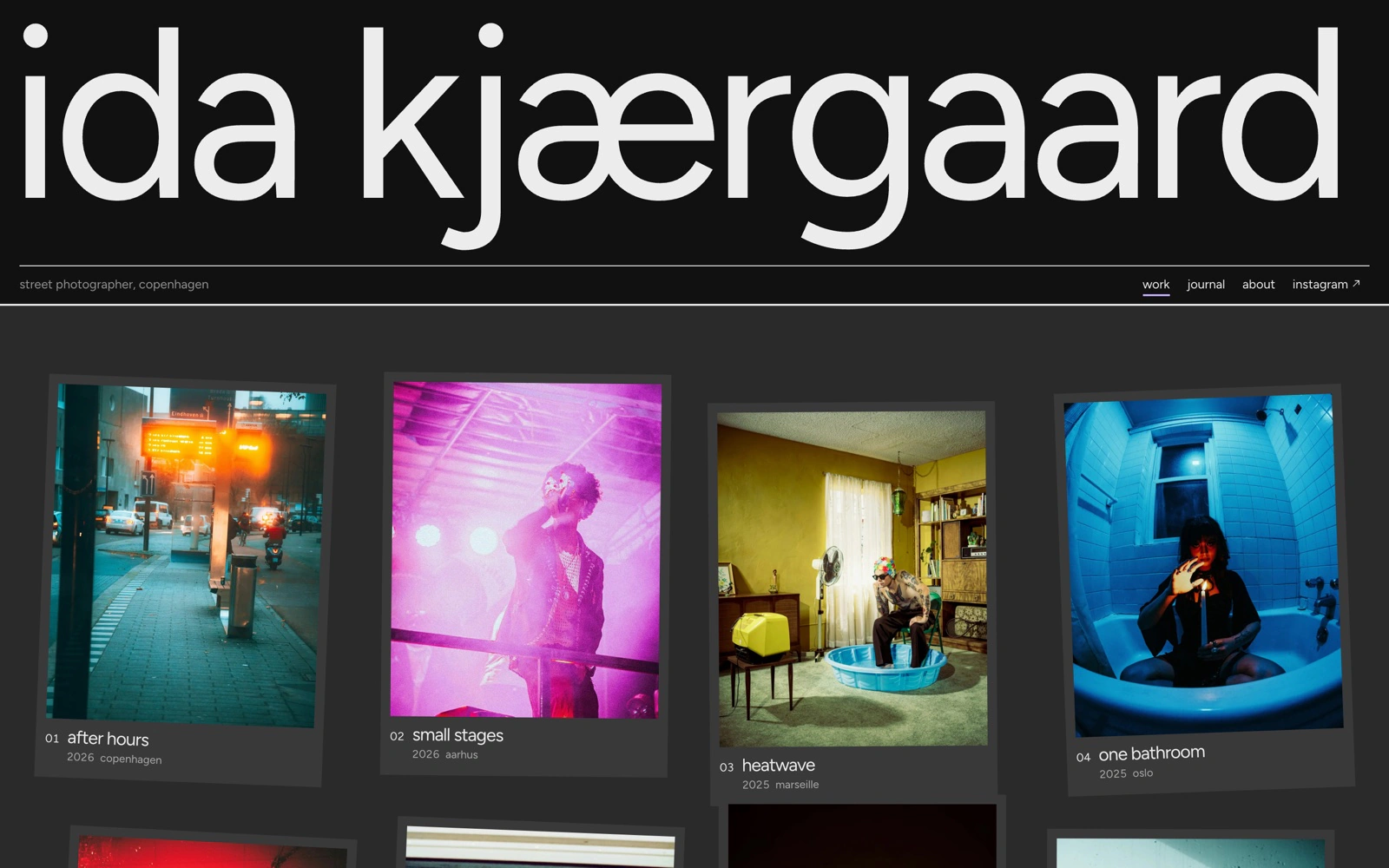
05 Scattered prints
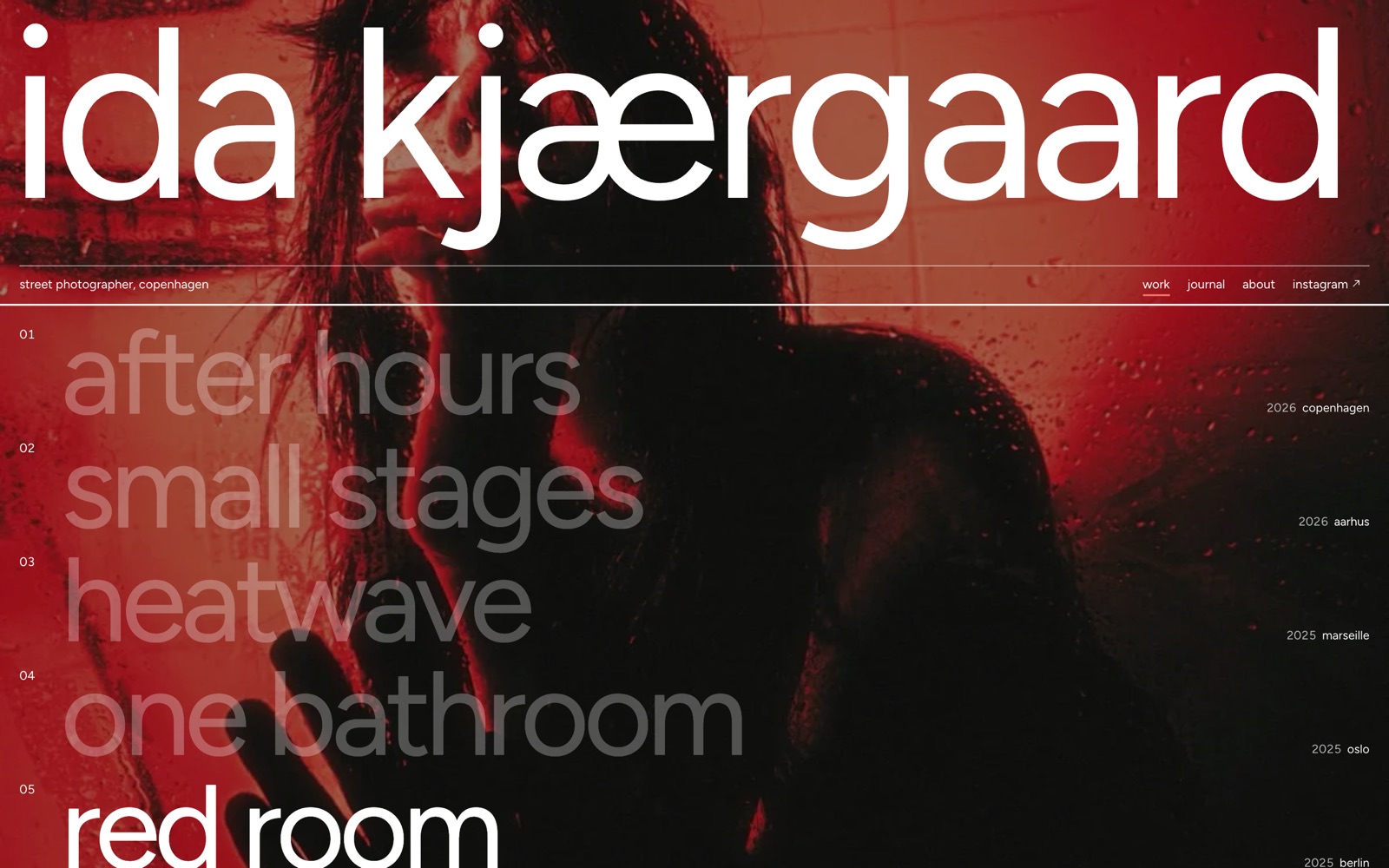
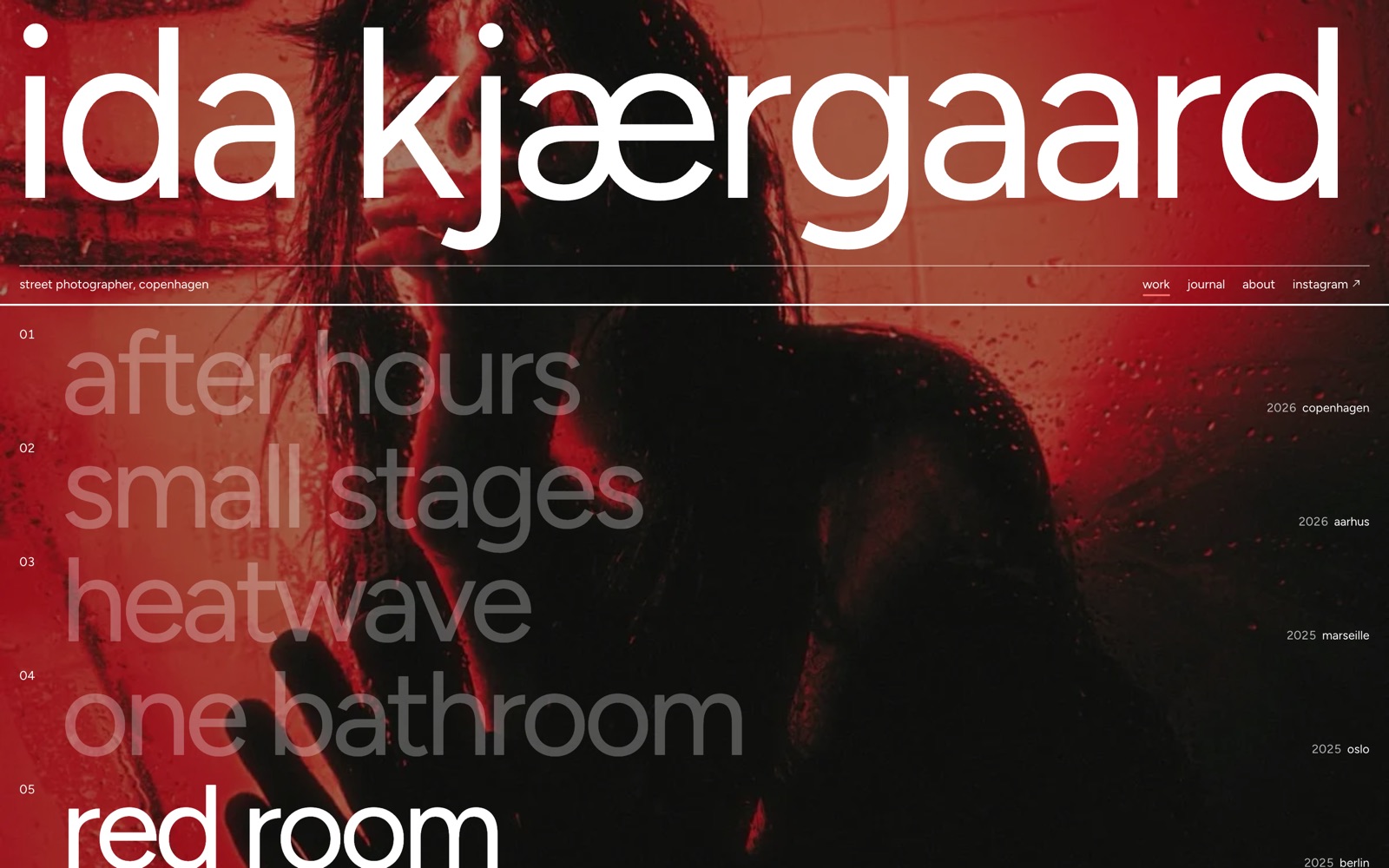
06 Big type
Six homepage layouts, one setting in Ghost. Scroll to see them all, or try them live.
Paid once. One site for $140, or five sites for $500. Free updates, 12 months of support, and a 14-day refund. The live demo is a working Ghost site you can click around before you buy. Or read a tour of all 24 layouts.
Read this page in Deutsch, Français, Español, Bahasa Indonesia, Türkçe, 한국어, Nederlands, Italiano, Português, 日本語, and Polski
24 layouts, one theme
Try the site-wide settings, then pick a page and a layout. Every one is a setting in Ghost's design panel, with no code, and you can change your mind any time.
Site-wide settings
Five of Index's 20. They apply to every page.
Hover style
Accent color
Color scheme
Typeface, 2 of 8
Title weight
Title case
Page margin
Your projects as a numbered list. Point at one and its cover photo shows on the left.
This is the live demo with your settings. Scroll and click around inside it, or open it full size.
A closer look
A tour of this portfolio theme for Ghost: every page, what you can change, and what comes built in.
a
The homepage
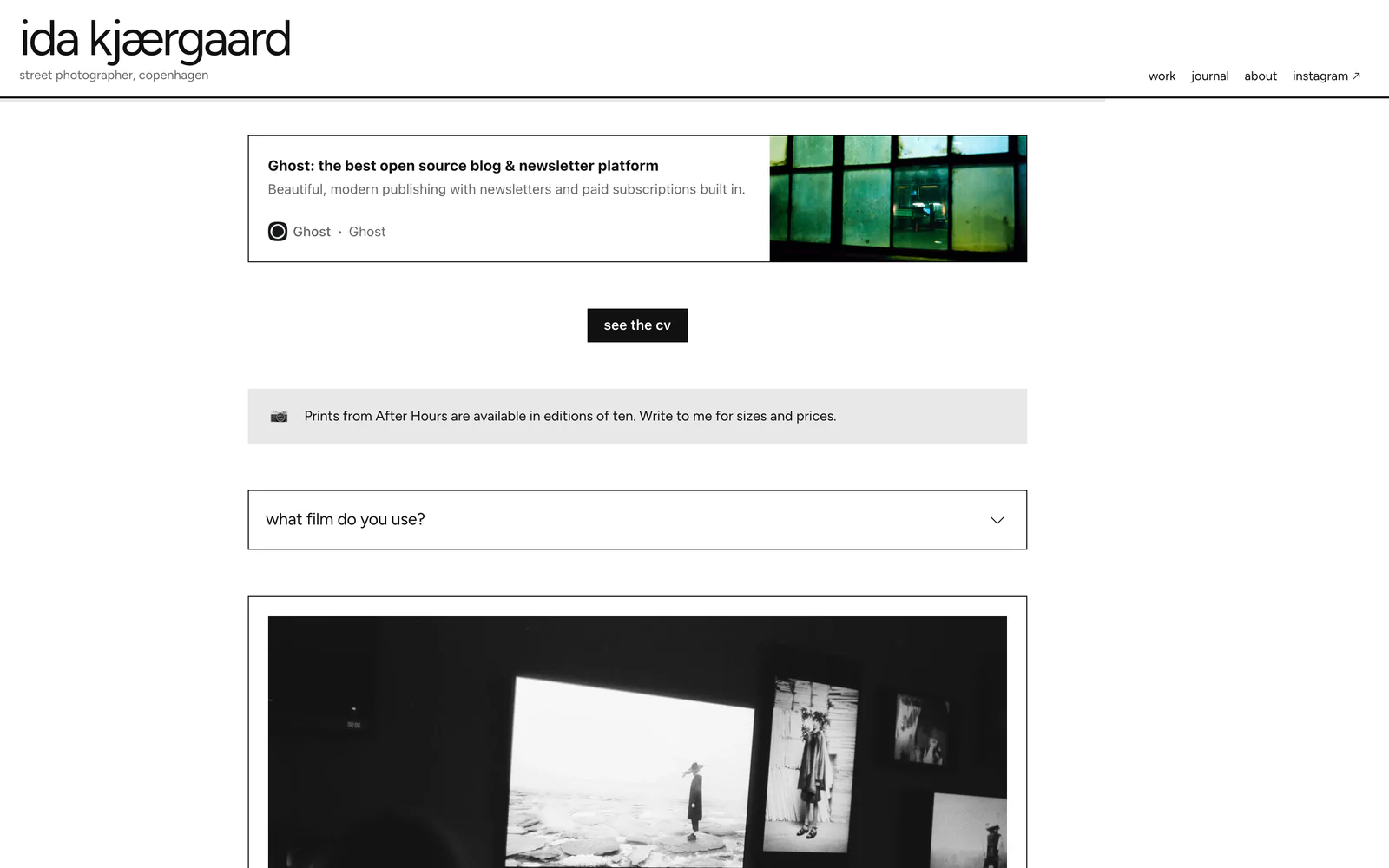
Your projects open the site as a numbered index, with your name large across the top. Point at a project and its cover photo appears. On phones, the project in the middle of the screen lights up as you scroll. It suits photographers, designers, and artists alike.
- 6 layouts: a list with the photo on the left or right, a list with a floating photo, a cover grid, scattered prints, or big type
- Each row can show a short description, the year, and the place
- Put your best work first by typing project titles in the order you want
- Your name on one line, edge to edge, or stacked
b
Project pages
Each project is a Ghost post. Add your photos and a few lines of text, and Index sets them out with the title, your note, and a caption for each photo.
- 6 layouts: strip, vertical, grid, book, salon, or slideshow
- One layout for every project, or a different one for a single project with a tag
- Click any photo to see it full screen
- The year comes from the publish date and the place from the first tag, so there's nothing extra to fill in
c
The journal
Tag a post "journal" and it moves from your projects to your journal. It's the place for exhibition news, notes from the darkroom, or a longer story.
- 7 layouts: a list with or without photos, a spacious or compact grid, front page, archive, or alternating
- Photos landscape, square, portrait, or uncropped
- A post's main image at full width, at text width, or hidden
- A thin reading line under the menu on longer posts
- Works as a Ghost blog theme too, for news and longer writing
d
The about page
Write a few lines about yourself and add a portrait. Then list your exhibitions, awards, clients, or press as plain bullet points, and Index turns them into a tidy CV with the years in their own column.
- 5 layouts: classic, statement, ledger, split, or newspaper
- Your photo left or right of your bio, above it, or hidden
- Portrait, landscape, square, or uncropped
e
20 settings, no code
Everything is a setting in Ghost Admin, under Settings, then Design. Change your mind any time, and your posts and pages stay just as they are. The first choice in every setting is the default, so a new site looks finished from the start.
Site-wide
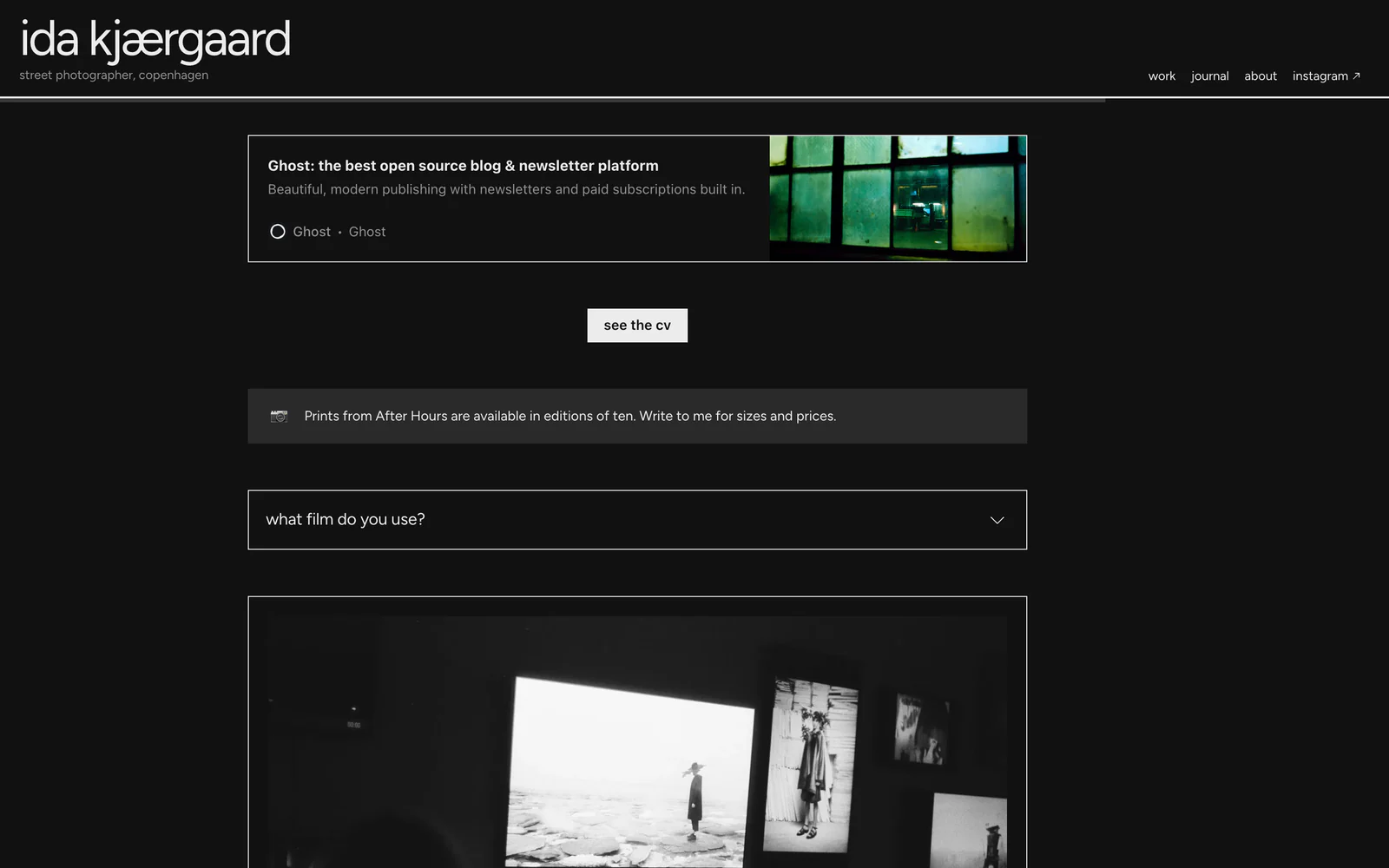
- Color scheme: light, dark, or automatic
- Typeface: 8 to choose from
- Title weight and title case
- Page margin: full width, some, or lots
- Hover style: 4 to choose from
- Menu extras: search, subscribe, and sign in
- An Instagram link and a contact email
Homepage
- Name layout
- Homepage layout
- What each row shows
- Project order
Pages
- Project layout
- Journal layout and photo shape
- Journal main image
- About layout, photo position, and photo shape
Index also uses what you set in Ghost itself: your accent color, logo, and any fonts you pick under Brand.
f
Made for the Ghost editor
Write in Ghost's editor as you always do. Index styles the cards you're likely to use, so they sit calmly with the rest of your site. See every card in the demo.
Editor cards
- Images at normal, wide, and full width
- Galleries
- Video, audio, and embeds
- Bookmarks and buttons
- Callouts, toggles, and headers
- Product, file, and signup cards
- Code
Built in
- Ghost's search
- Members and sign in
- Newsletters
- Comments
- Every interface word in one file, ready to translate
g
Clear to search engines and AI
Index describes your site in structured data, the notes search engines and AI tools read. You become a person or a studio, each project a creative work with its year and place, and your about page a profile page.
Light and quick
- Under 30 KB of CSS and JavaScript, compressed
- Photos in WebP, sized to each screen
- Photos load only as they come into view
- Eight typefaces, all served from your own site
For everyone
- Works with a keyboard
- Labeled for screen readers
- Calmer for people who turn motion off
- Made for phones and tablets too
h
Change it with Claude
Want something the settings don't cover? Index comes with a short guide for AI coding tools: AGENTS.md, CLAUDE.md, and GEMINI.md. Open the theme folder in Claude Code, Cursor, or Codex, describe the change, and it knows where to look and how to check the theme before you upload it.
Prefer to do it yourself? Index is plain Handlebars, one stylesheet, and one script, with no framework. Read the guide.
- 1
Open the theme folder
In Claude Code, Cursor, or Codex. The guide files sit at the top, next to package.json.
- 2
Describe the change
"Add a line of small text under my name on the homepage, in the same gray as the dates."
- 3
Check, zip, and upload
It runs Ghost's theme check and builds a fresh zip, ready to upload in Ghost.
24
Layouts across four page types
20
Theme settings, all without code
8
Typefaces to choose from
30 KB
Or less of CSS and JavaScript, compressed
Why Ghost
Fast by default
About three in four Ghost sites pass Google's Core Web Vitals on phones, compared with about half of WordPress sites (HTTP Archive, Oct 2026).
Less to look after
Members, newsletters, search, and analytics are built in, with no plugins to update.
A calm place to work
Write, publish, and email your subscribers in one step.
Included with every theme
Everything below comes with every license.
Free updates
Fixes and Ghost compatibility updates, at no extra cost.
12 months of support
Email help with setup and settings, from a small team that reads every message.
Docs in plain language
Installing the theme and every setting, written for people who don't code.
Built for Ghost 6
Members, newsletters, search, and comments work out of the box, and every interface word is ready to translate.
Light and dark
Light, dark, or automatic, following each visitor's system.
Ready for AI editors
Ships with an AGENTS.md, so Claude Code, Cursor, and Codex know how the theme is built.
Accessible
Keyboard friendly, labeled for screen readers, and calmer for people who turn motion off.
Fast
Under 30 KB of CSS and JavaScript. Photos are WebP, sized to the screen, and load only when needed.
Honest, round prices
Pay once and it's yours to keep, with updates included.
One site
$140
Free updates, 12 months of support, and a 14-day refund. Building for a client? Their site can use your license. You pass them each update.
Five sites
$500
Everything above, on up to five sites, yours or your clients'. Need only two or three? A One site license for each costs less.
We never run sales or holiday discounts. The price is the same every day of the year, so there's no reason to wait.
Prices in USD. Sales tax or VAT is added at checkout where it applies, handled by Gumroad.
Not for you, but know someone it would suit? Recommend Index and earn 30% of every sale you send our way. Join the affiliate program
Questions
New to Ghost?
Ghost is an open-source platform for websites, newsletters, and paid memberships, all in one place.
Run it on Ghost(Pro), Ghost's own hosting, or on your own server. Index works with both, and the docs show you how to upload it in a few minutes.
How to install IndexIs Index only for photographers?
No. It's a classic portfolio theme for any visual work: graphic, product, and fashion design, photography, illustration, architecture, and art, for one person or a whole studio. We designed it alongside photographers first, so images always get the room they need.
Can I try it before I buy?
Yes. The live demo is a full Ghost site with a customize panel, so you can switch every layout and setting before you buy. You can also try every setting live.
Do I need to code?
No. Layouts, typefaces, and colors are all in Ghost's design settings, and the docs walk you through each one. The docs walk you through installing a Ghost theme.
What does support cover?
Installing and updating the theme, its settings, and bugs in the theme, for 12 months. We're a small team and reply as soon as we can, ideally within a week. Custom code and Ghost hosting aren't included.
Which Ghost version do I need?
Ghost 6, on Ghost(Pro) or your own server.
Does it work on Ghost(Pro)?
Yes, on Ghost(Pro) plans that allow custom themes. The Starter plan only offers Ghost's own themes, so you'll need Publisher or higher. Index also works on any self-hosted Ghost 6 site.
Will I lose my content if I switch to Index?
No. Your posts, pages, and members live in Ghost, not in the theme. Index changes how they look. The docs show how to tag posts so they appear as projects or journal entries. See how Index shows your posts.
Does it work with memberships and newsletters?
Yes. Sign-up, sign-in, and newsletters use Ghost's built-in members, so you can grow an email list or offer paid subscriptions.
Can I use my own fonts?
Yes. Choose from eight built-in typefaces, or use the fonts you pick in Ghost's own design settings. More in the docs: changing fonts in Ghost.
Is it fast, and good for search?
It's under 30 KB of CSS and JavaScript, and its images are WebP, sized to the screen, and loaded only when needed. Ghost takes care of titles, descriptions, and sitemaps for search engines.
Will search engines and AI tools understand my portfolio?
Index helps them. Ghost covers the basics: sitemaps, page descriptions, and, once it's switched on in Ghost's settings, an llms.txt file for AI tools. Index adds what a portfolio needs: structured data that describes you, with your name, portrait, and profiles on other sites, and each project as a creative work, with its year and place. It comes from what you've already filled in, so there's nothing to set up. It helps search engines and AI answer engines understand who made the work and what each project is, though no theme can promise a ranking or a mention in an AI answer. The docs explain what Index tells search engines.
Do I need to resize or optimize my photos?
No. Upload each photo once, at full quality, and Ghost makes every size it needs for you. Index then gives each visitor the right one as a light WebP file, so pages load fast and images stay sharp on every screen. About 2000 pixels on the long side is plenty. See how Index handles your photos.
Can I use it for a client's site?
Yes. Your license can cover a client's site. You keep the purchase in your Gumroad Library and pass each update to them. If you build sites for four or five clients, the five-site license covers them all. For two or three, a One site license for each costs less.
Can I move from one site to five sites later?
Yes, any time. You pay only the $360 difference: upgrade to five sites. At checkout, choose Five sites and use the email you bought Index with. Gumroad then takes off what you've already paid. Questions? Write to hello@pachathemes.com. Need just one or two more sites? A One site license for each costs less.
How do updates work?
Updates are free for the life of the theme. When there's a new version, download it from your Gumroad Library and upload it in Ghost, the same way you installed it. Your content and settings stay as they are. Step by step: how to update a Ghost theme.
Can I change the code?
Yes, for your own site or your client's. The theme's files are yours to edit. Help with custom code isn't part of support.
Can I customize it with an AI coding tool?
Yes. Index is ready for Claude Code, Codex, Cursor, GitHub Copilot, and other AI coding tools. Its AGENTS.md guide shows them how the theme is built, so you describe a change in plain words and get a checked, ready-to-upload theme back. The docs walk you through it. The docs have a guide to customizing with AI.
Will you make more themes for Ghost?
Yes. Index is the first of our Ghost themes, and more themes for Ghost are on the way, each with many layouts built in. Join our list at the bottom of the page to hear when the next one is out.
What if it isn't right for me?
Email us within 14 days for a full refund. The refund ends your license, so you'll need to remove the theme from your site and delete your copy.
More about Index
A full tour, the docs, the changelog, and guides for building a portfolio on Ghost.
Get an email when our next theme launches
Thanks. Check your inbox to confirm.
Something went wrong. Please try again.
Sent with Ghost. One email per launch, unsubscribe any time.