Index is out. It's our first theme: a classic, spacious portfolio theme for Ghost, made for anyone with visual work to show. This post is the full tour: how the theme thinks about your work, and a walk through every layout, so you know what you're getting before you open the demo.
The short version: Index is a portfolio theme for Ghost 6, made by Pacha Themes. It has 24 layouts across your homepage, projects, journal, and about page, eight typefaces, light and dark modes, and no code needed to change any of it. It costs $140 for one site, or $500 for five sites, paid once.
| Page | Layouts | Your options |
|---|---|---|
| Homepage | 6 | List with the photo on the left, list with the photo on the right, list with a floating photo, cover grid, scattered prints, and big type |
| Projects | 6 | Strip, vertical, grid, book, salon, and slideshow |
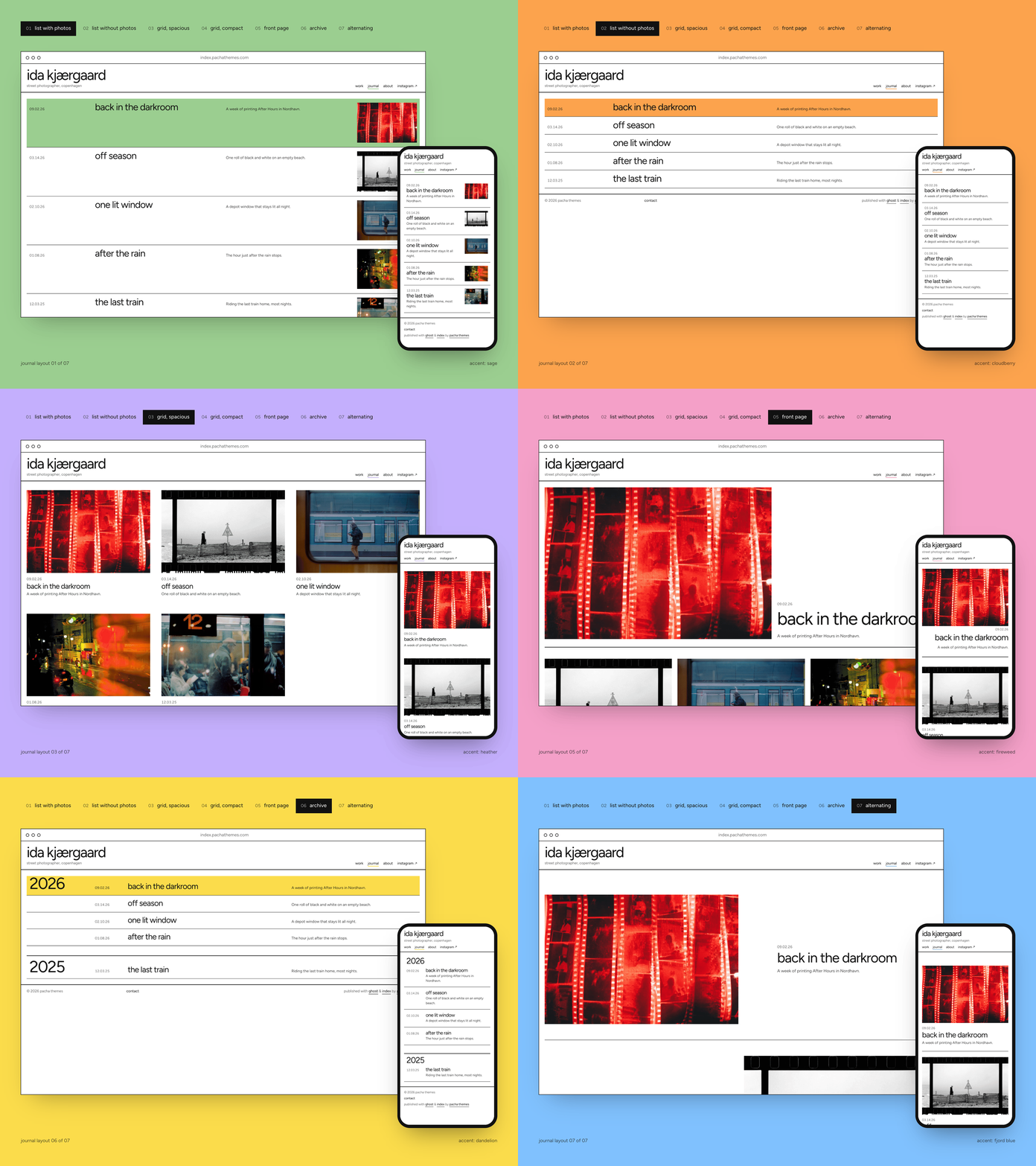
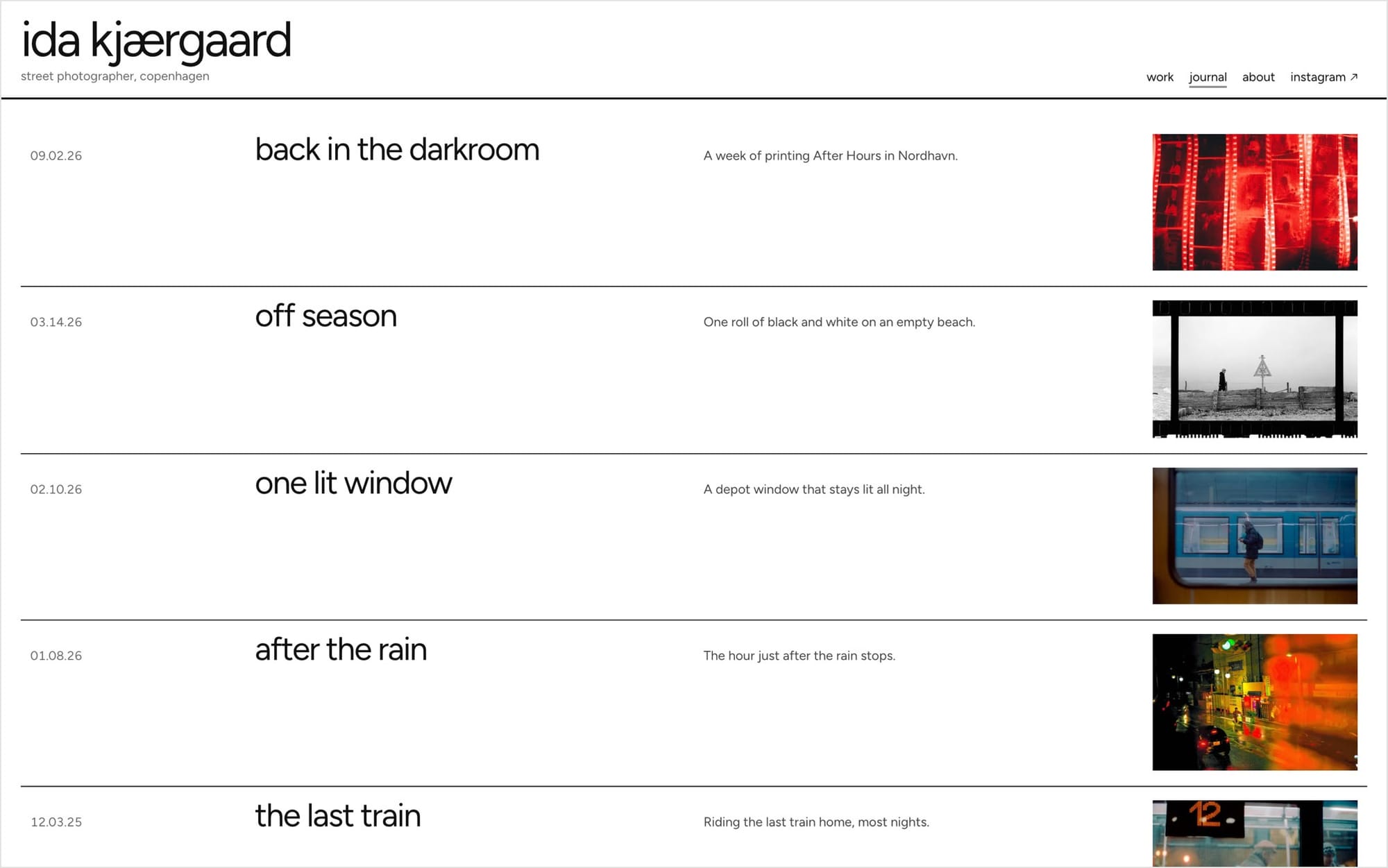
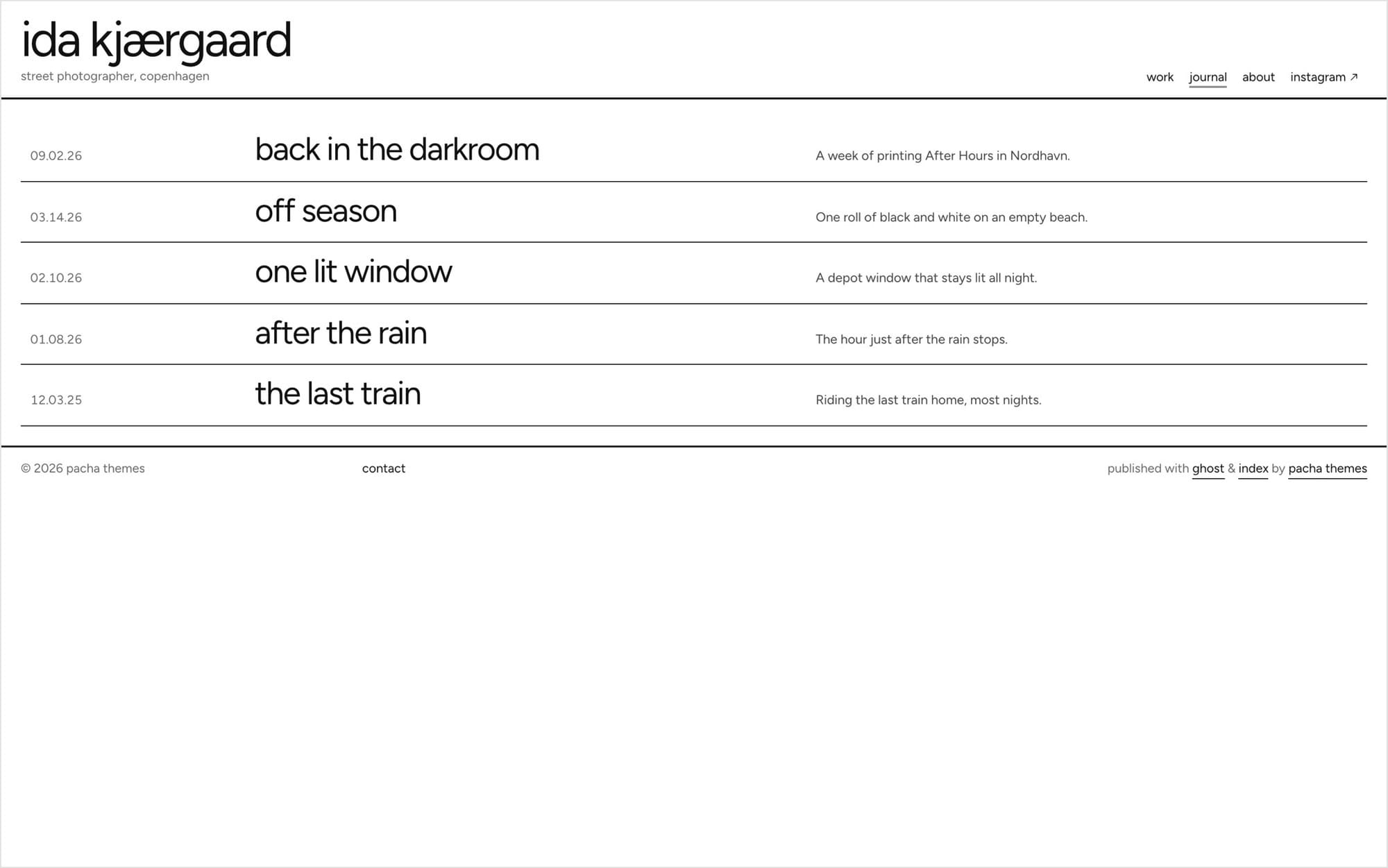
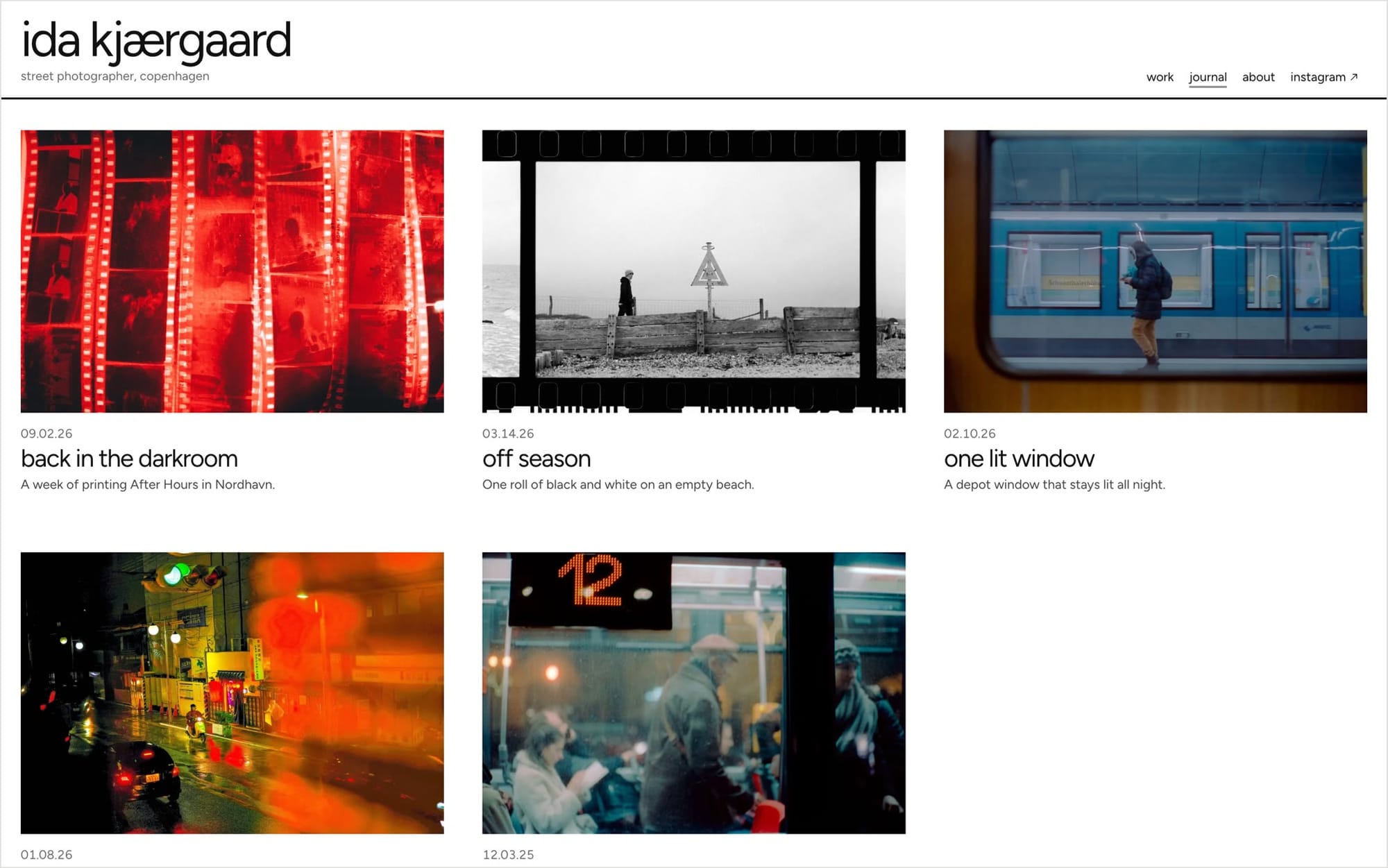
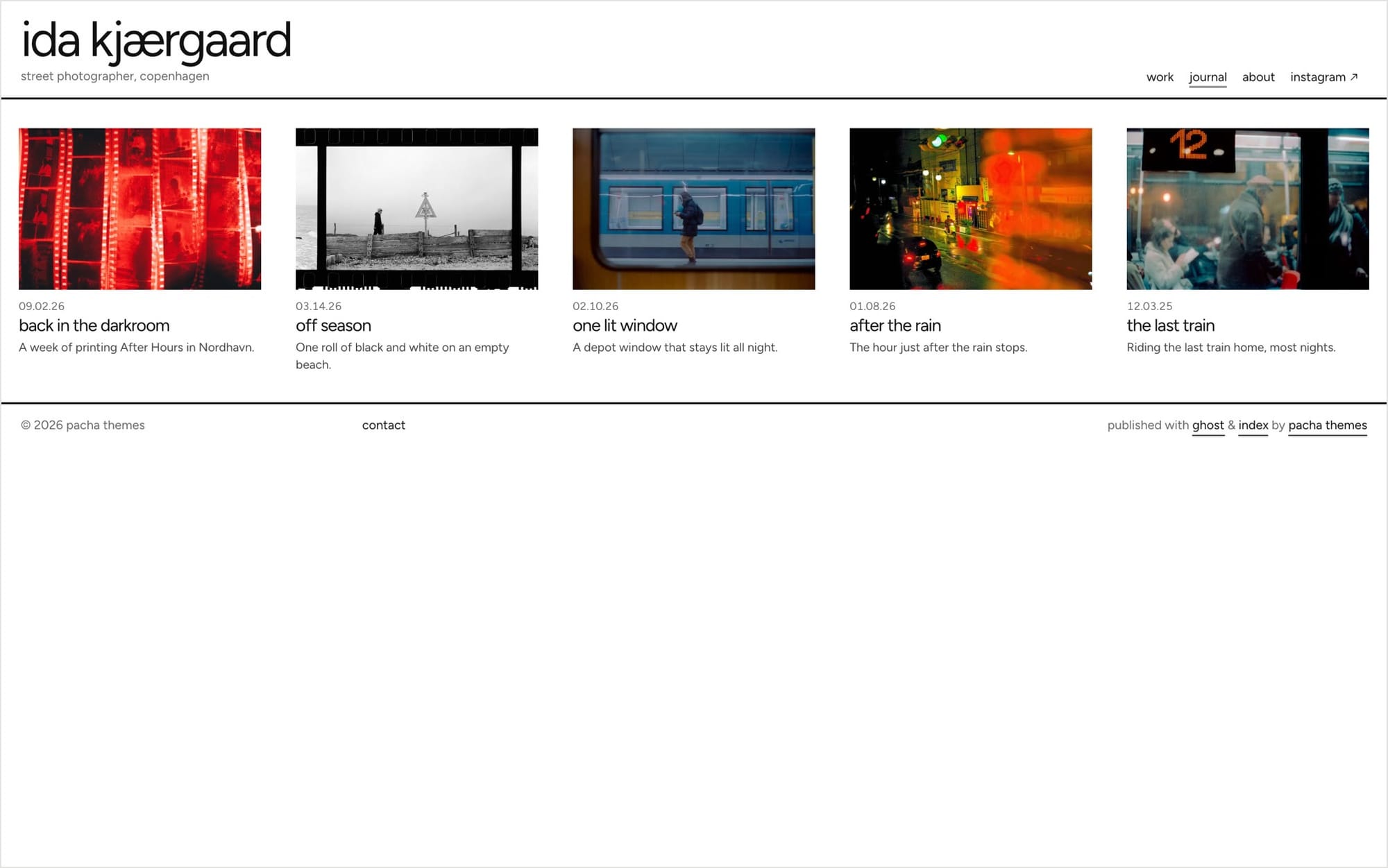
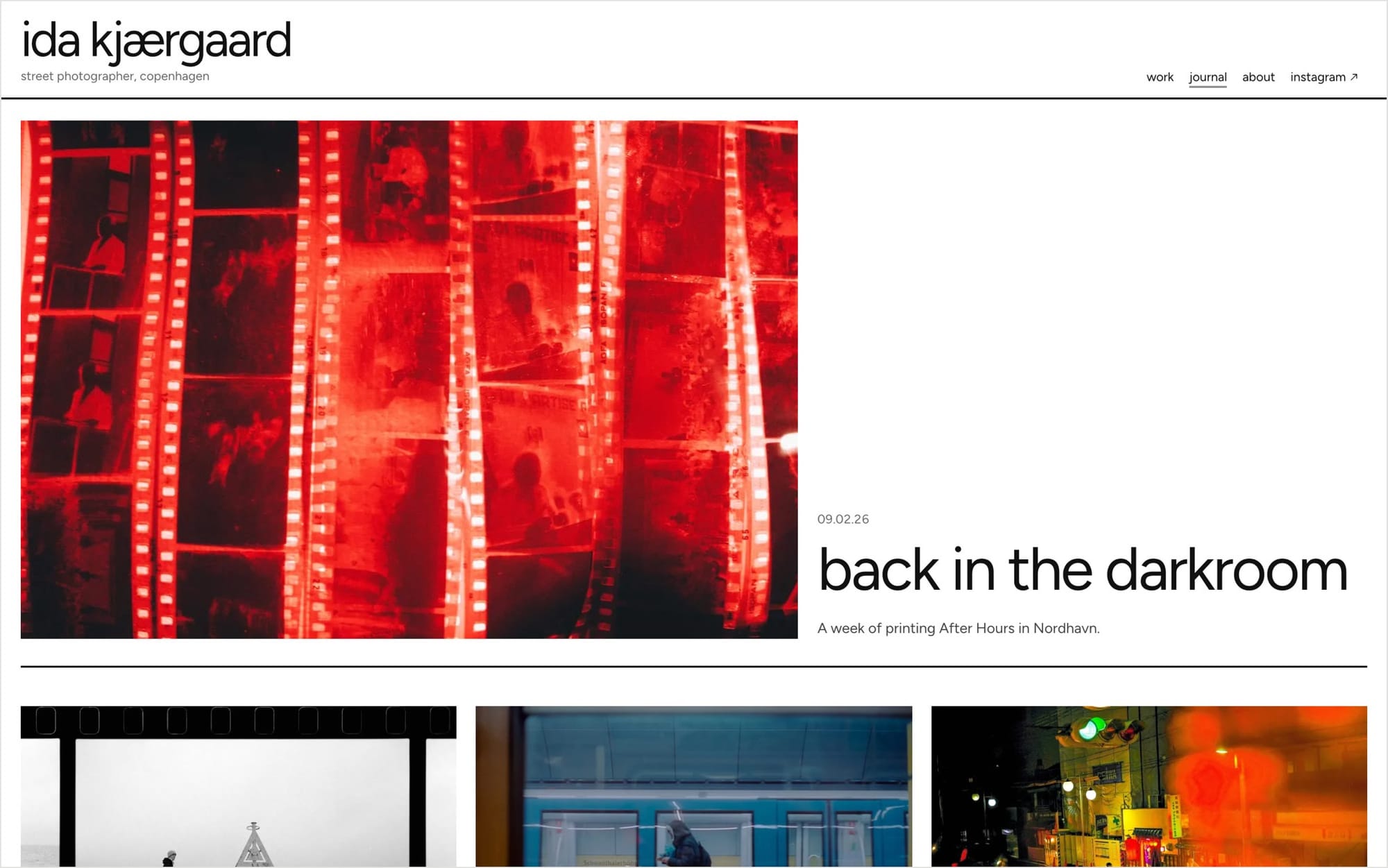
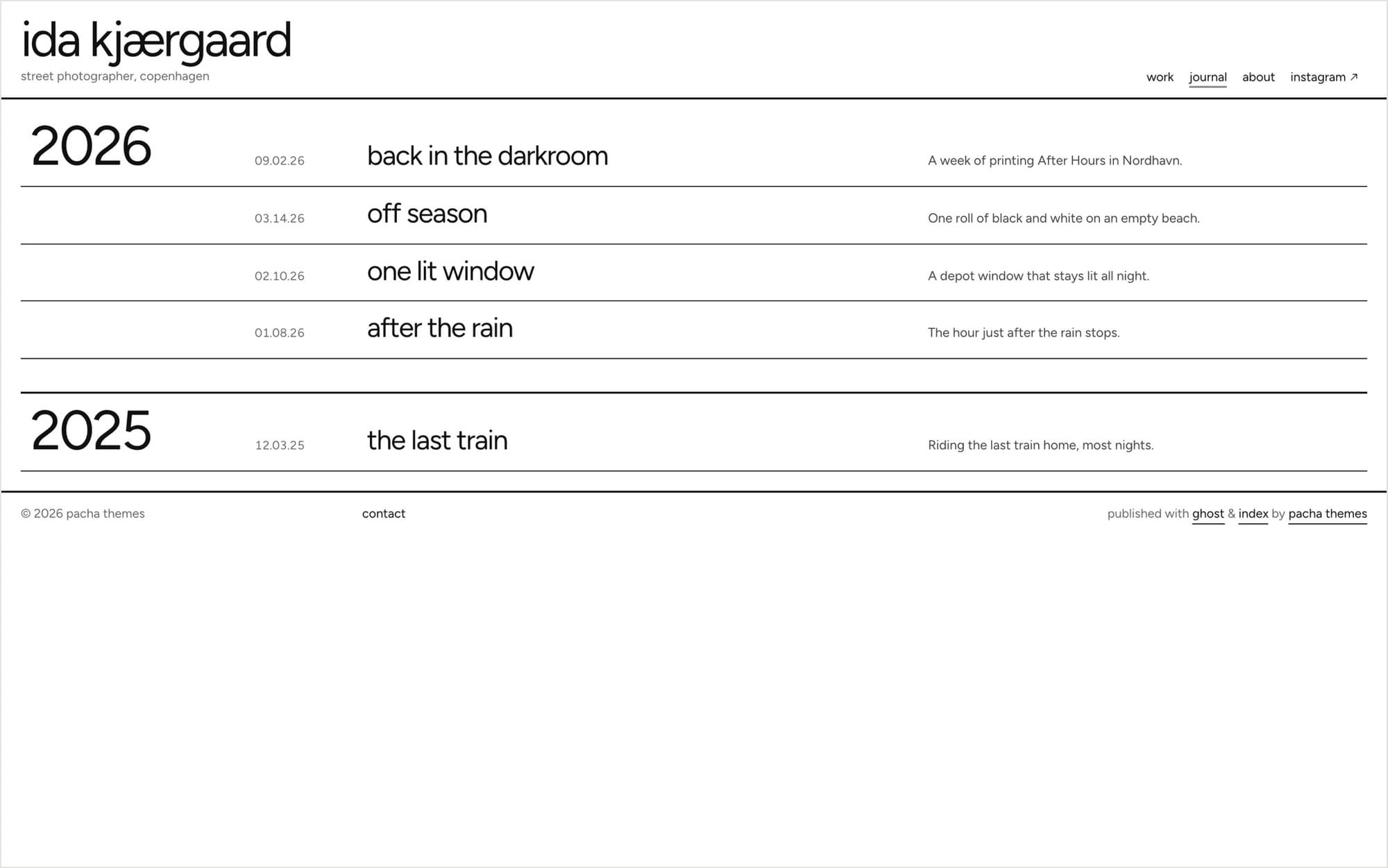
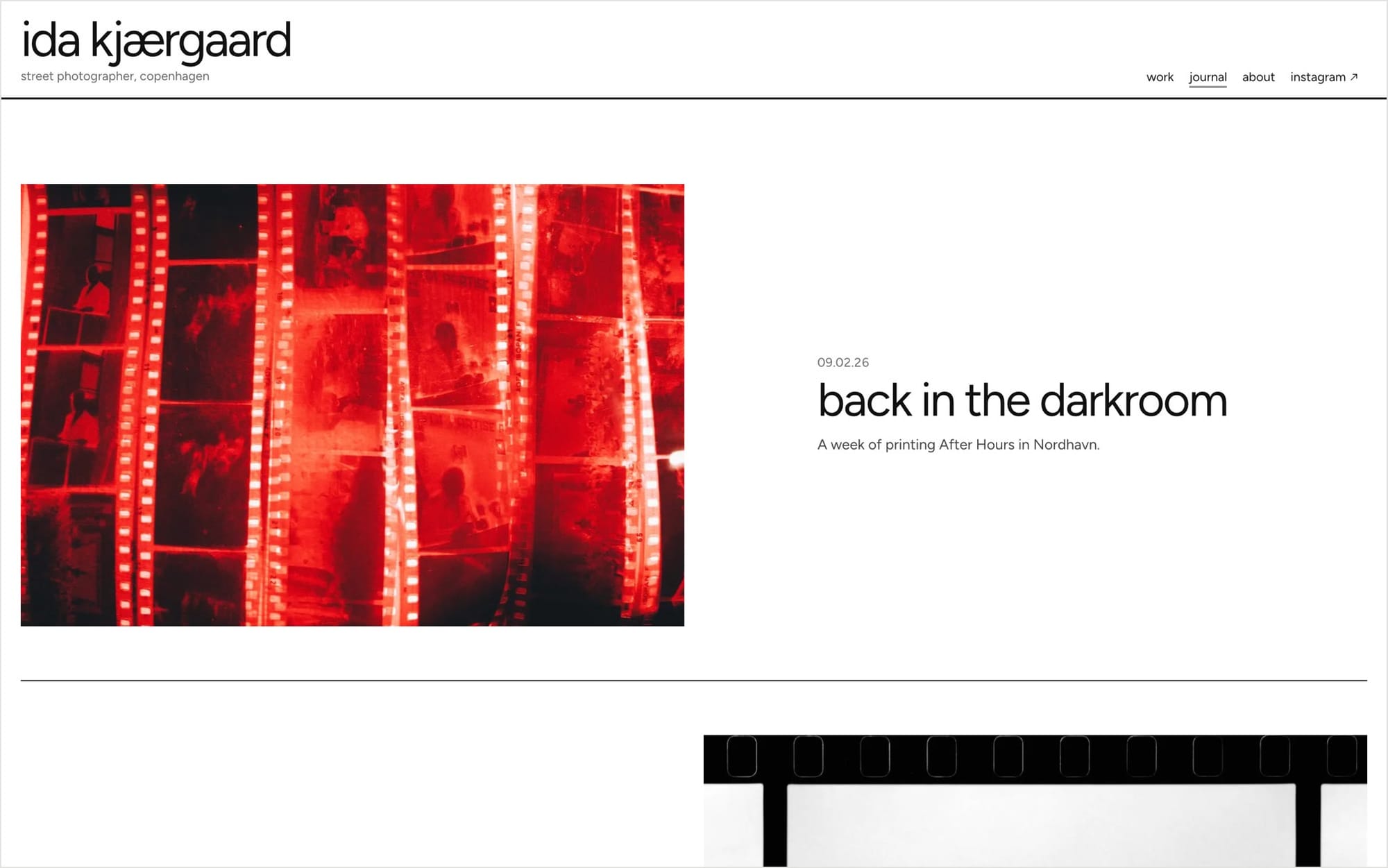
| Journal | 7 | List with photos, list without photos, spacious grid, compact grid, front page, archive by year, and alternating rows |
| About | 5 | Classic, statement, ledger, split, and newspaper |
Projects, a journal, and an about page
Index gives your site three parts. Projects are your work: a photo story, a series, a body of design work. The journal holds news, notes, and longer writing. The about page holds your bio and CV.
You don't need special fields to tell them apart. Every post is a project, unless you tag it journal. That's the only rule.
Six homepage layouts
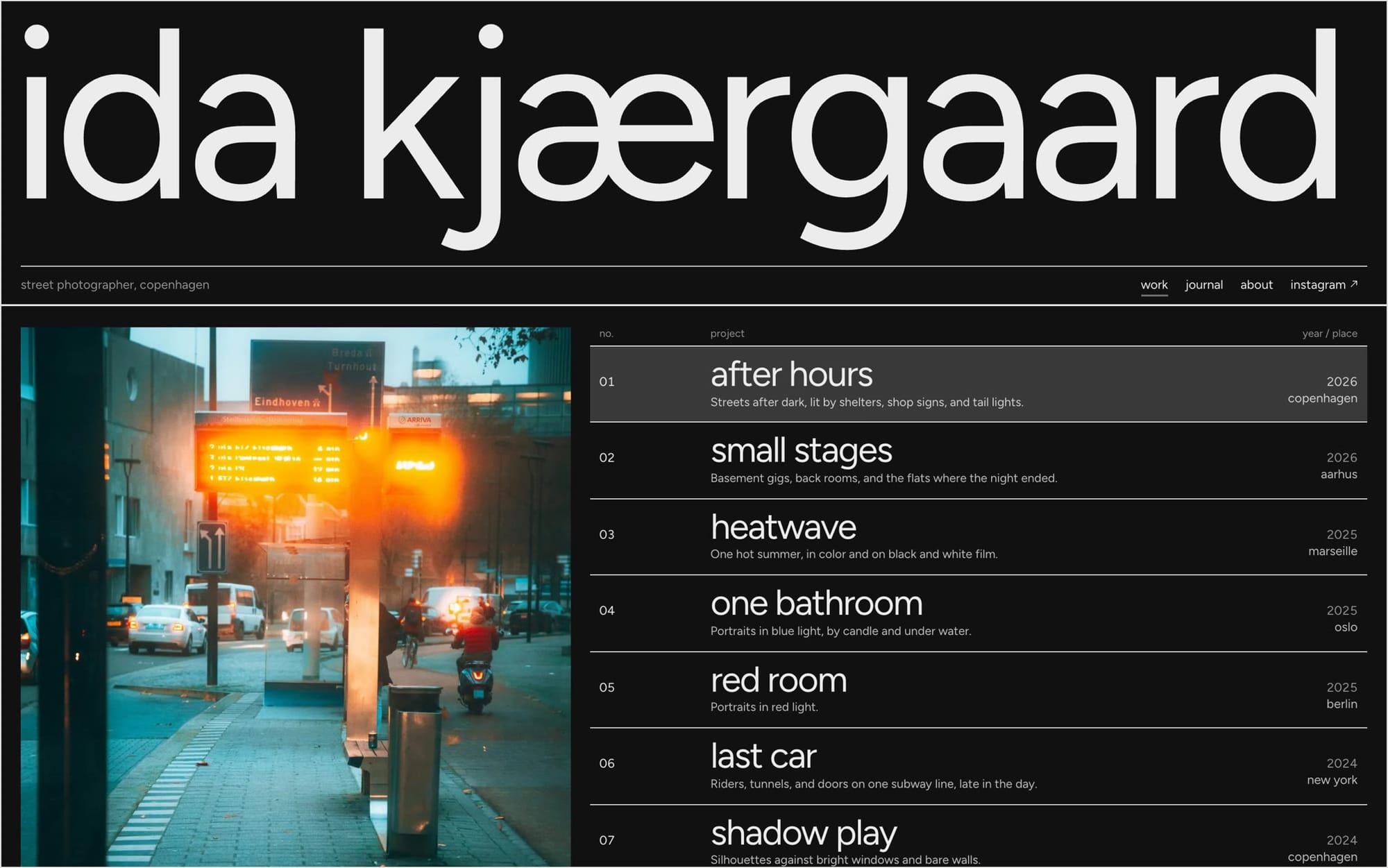
Your homepage is an index of your work, which is where the theme gets its name. Your name runs large across the top, then your projects follow in one of six layouts:
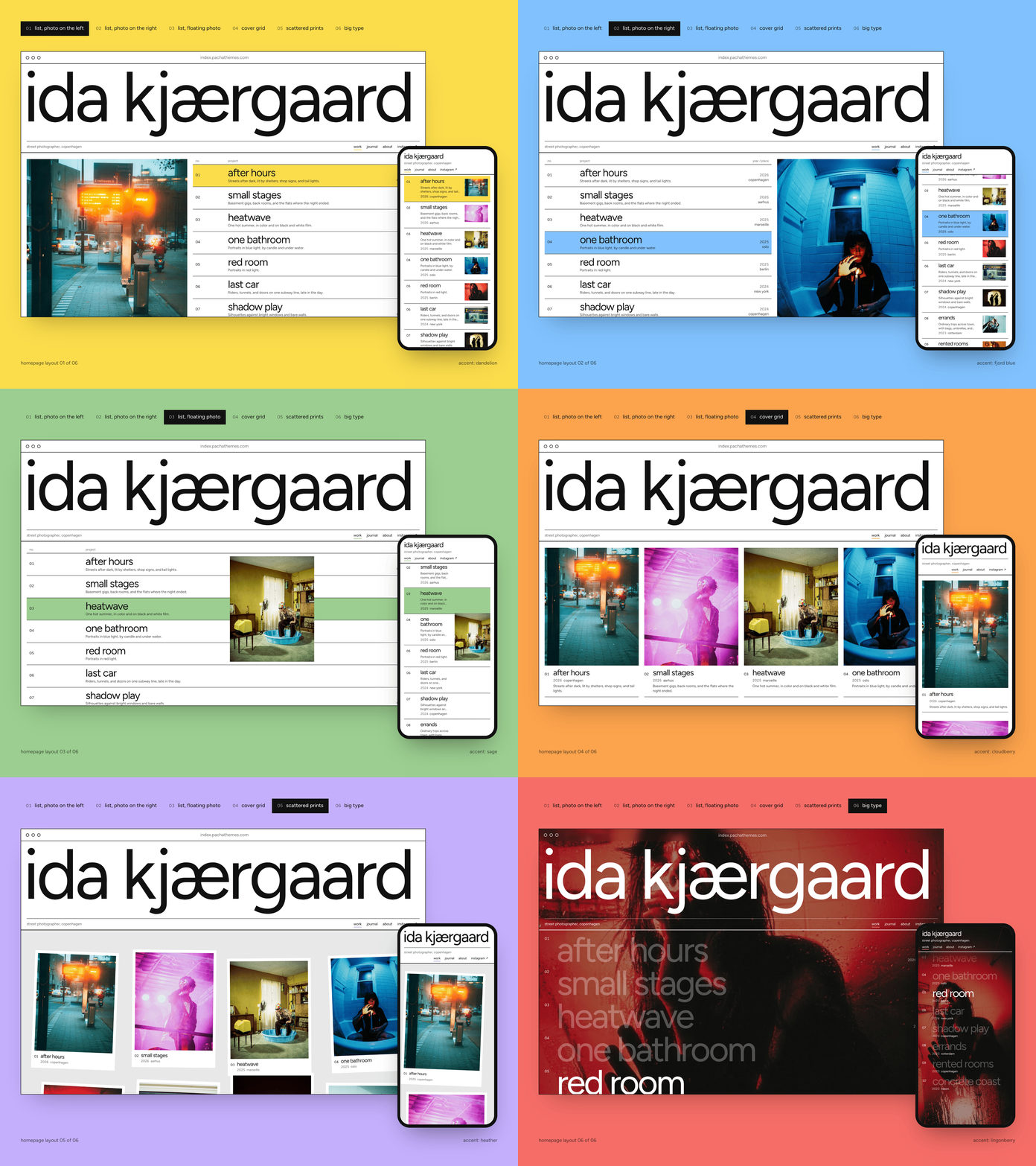
List, photo on the left. A numbered list. Point at a project and its cover appears beside the list.
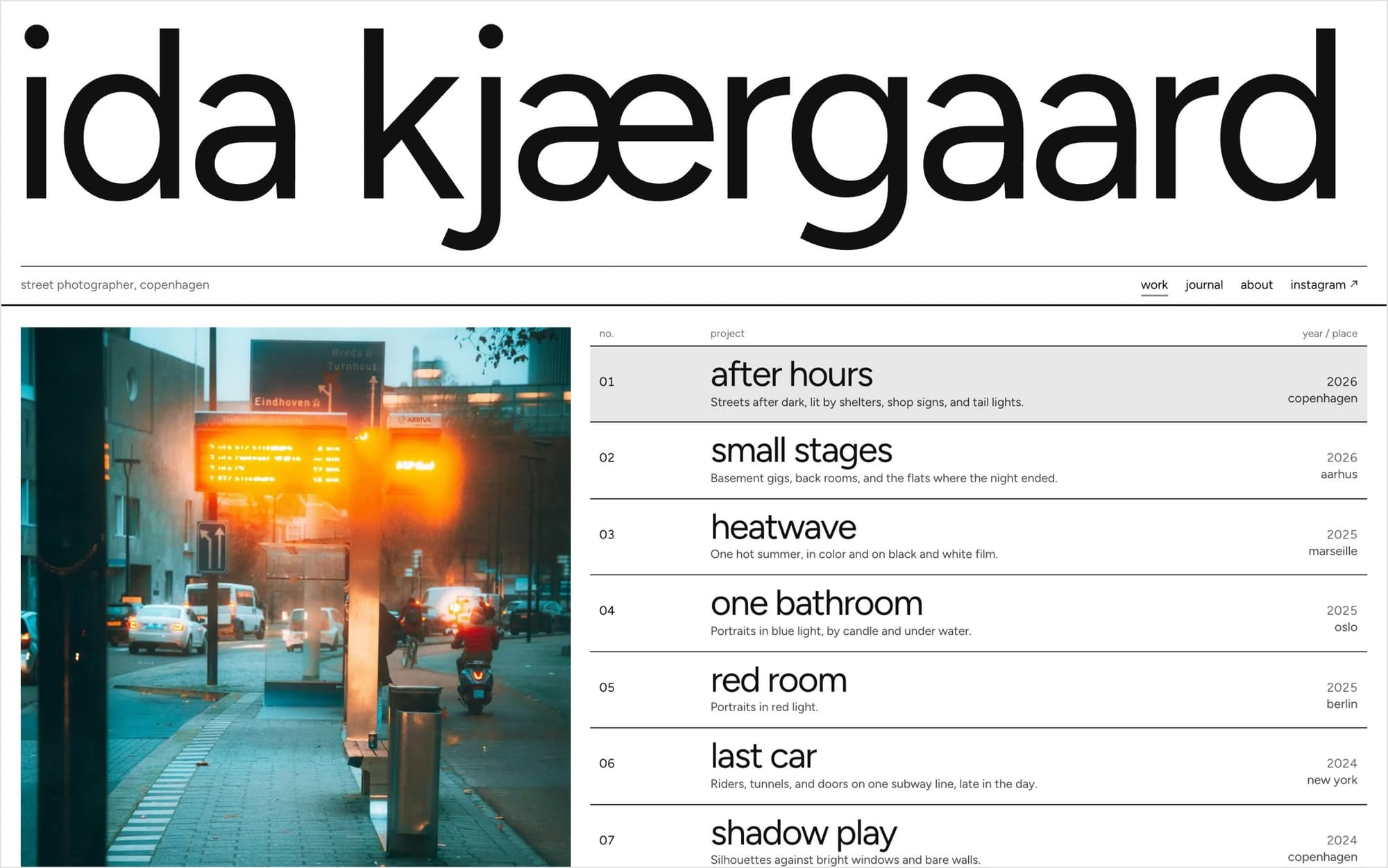
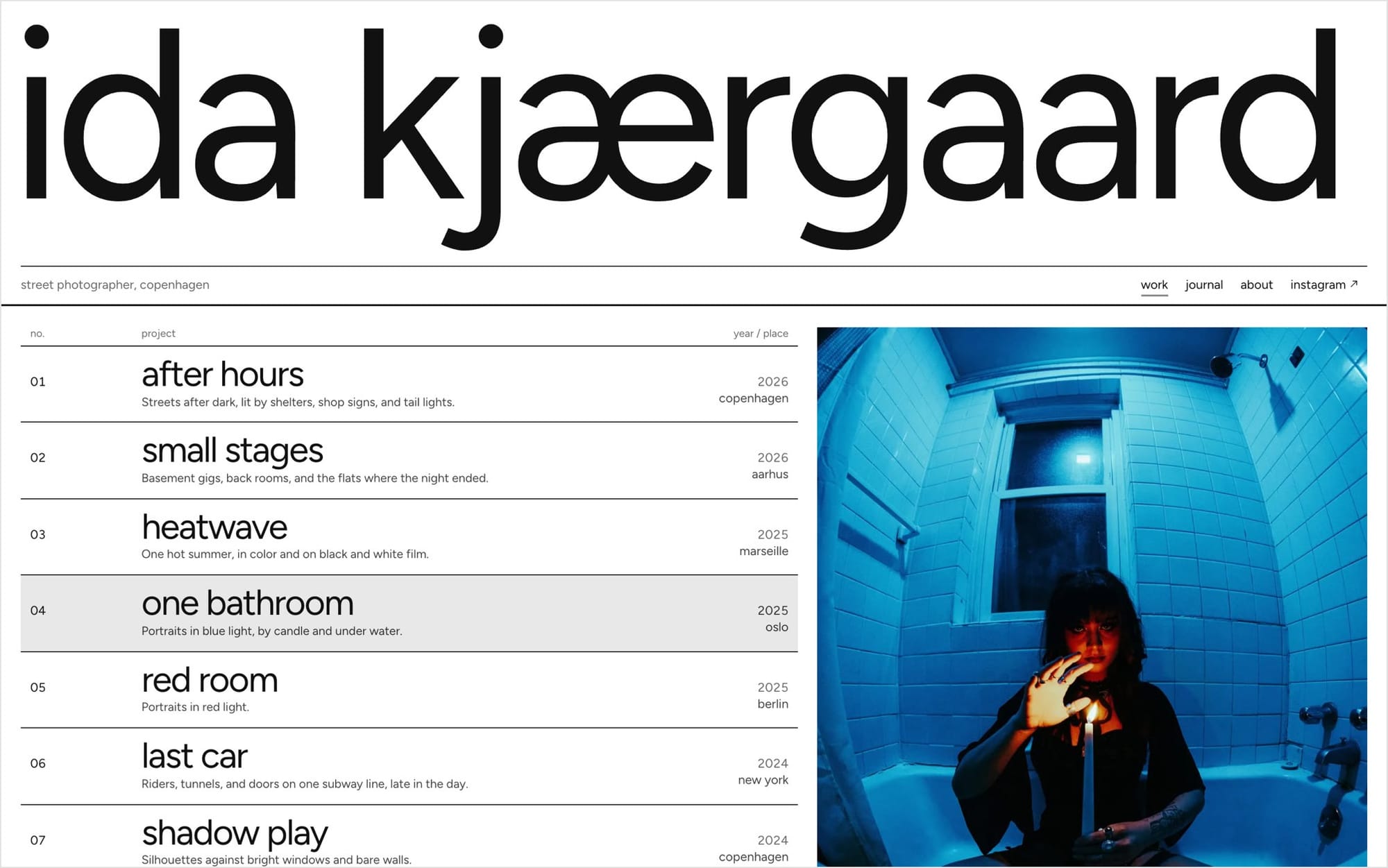
List, photo on the right. The same list, mirrored.
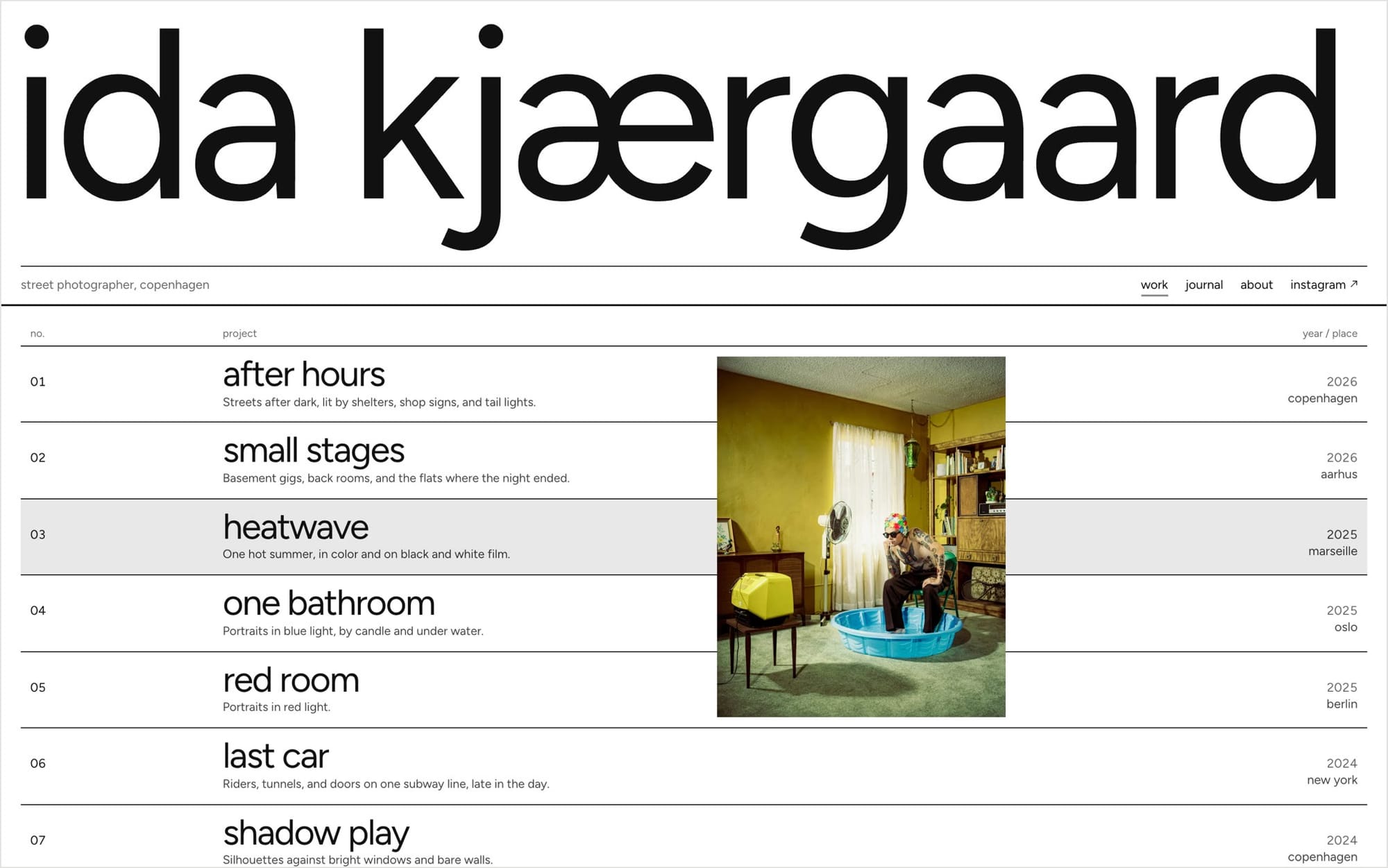
List, floating photo. The list runs full width, and each cover floats beside your pointer.
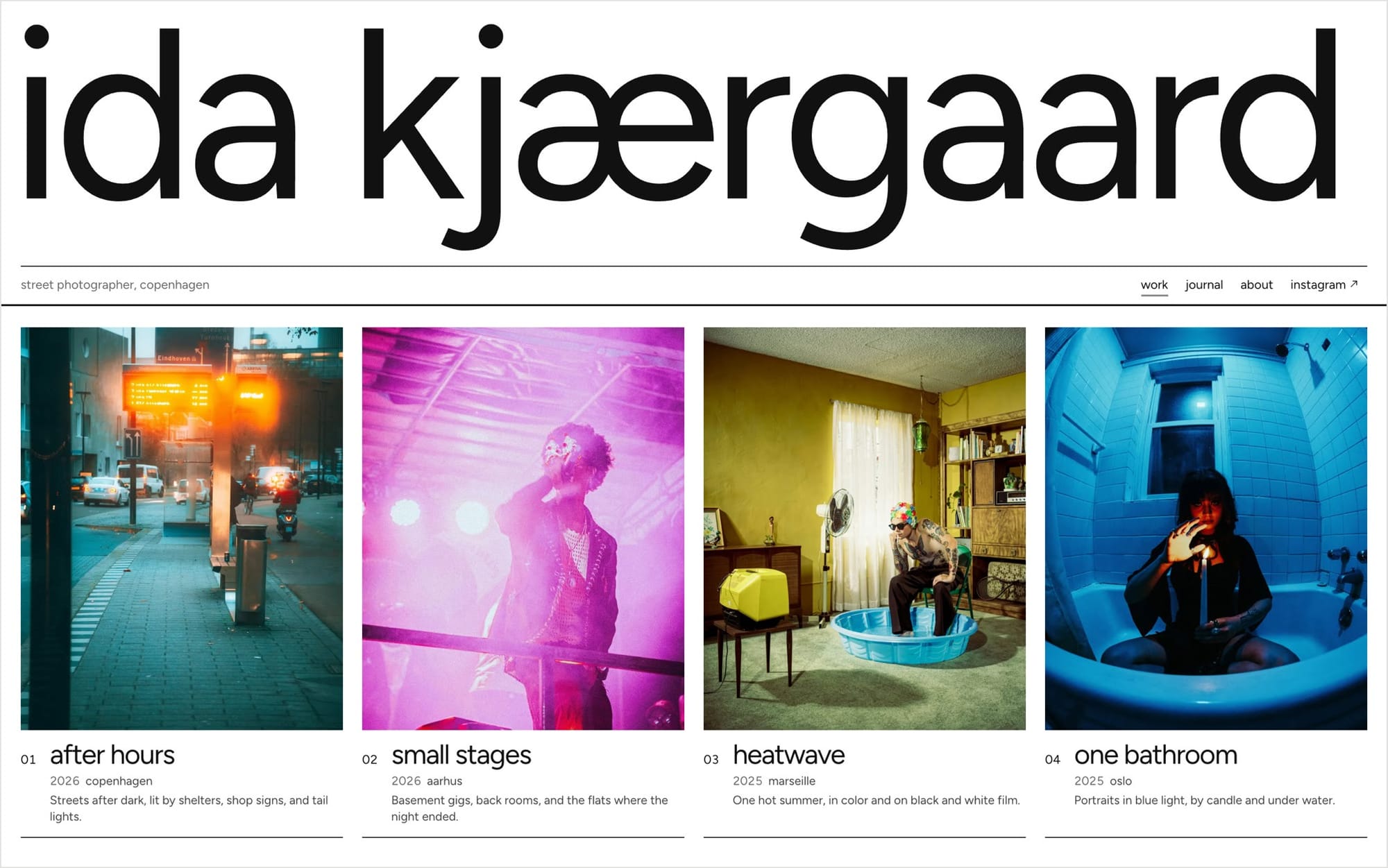
Cover grid. Every project as a cover photo, with its title underneath.
Scattered prints. Covers laid out loosely, like prints on a table.
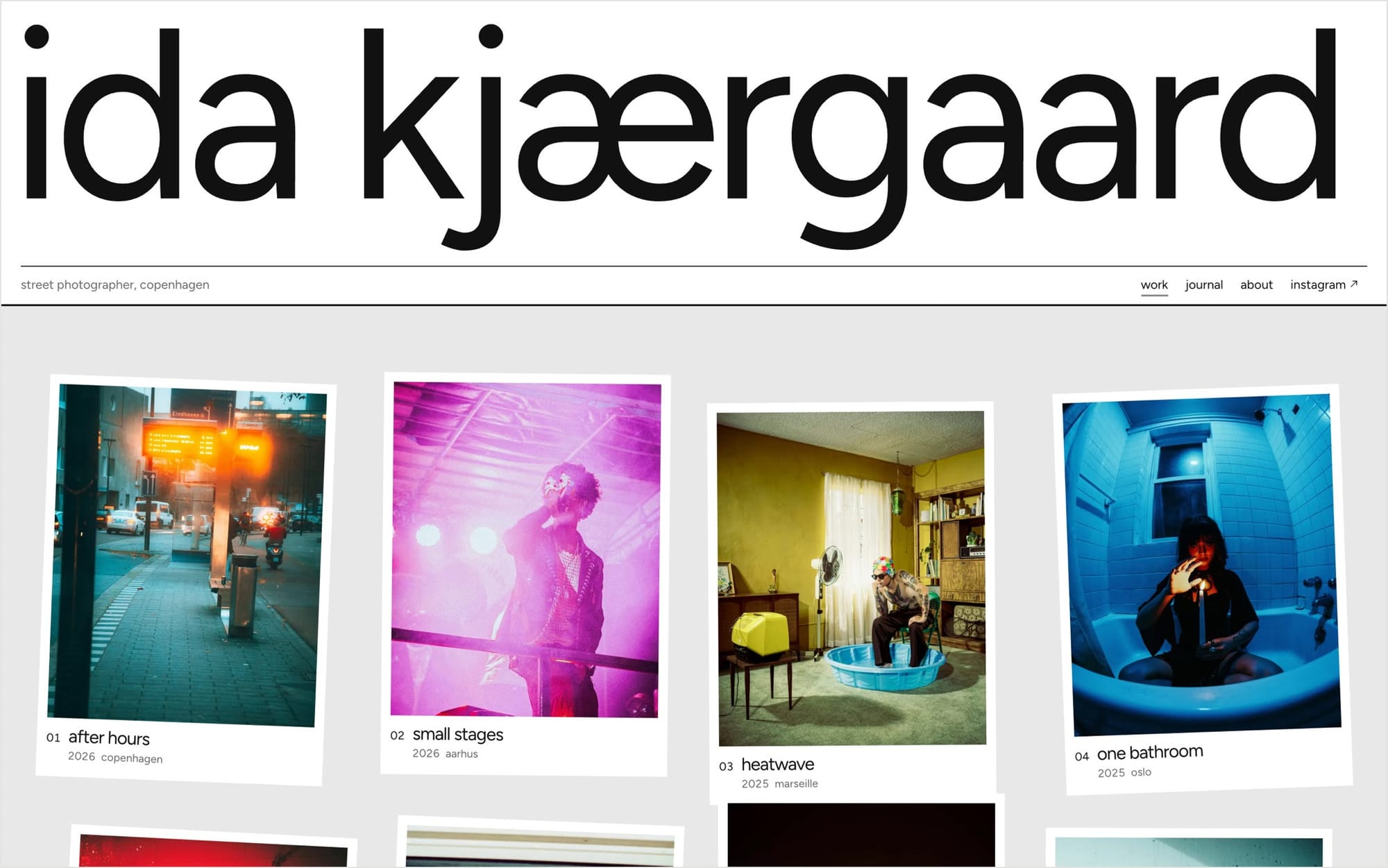
Big type. Project titles set very large. Point at one and its photo fills the screen behind the type.

Six project layouts
Every project can use any of these, and you can switch without touching your content. Set one for the whole site, or pick a different one for a single project with a private tag.
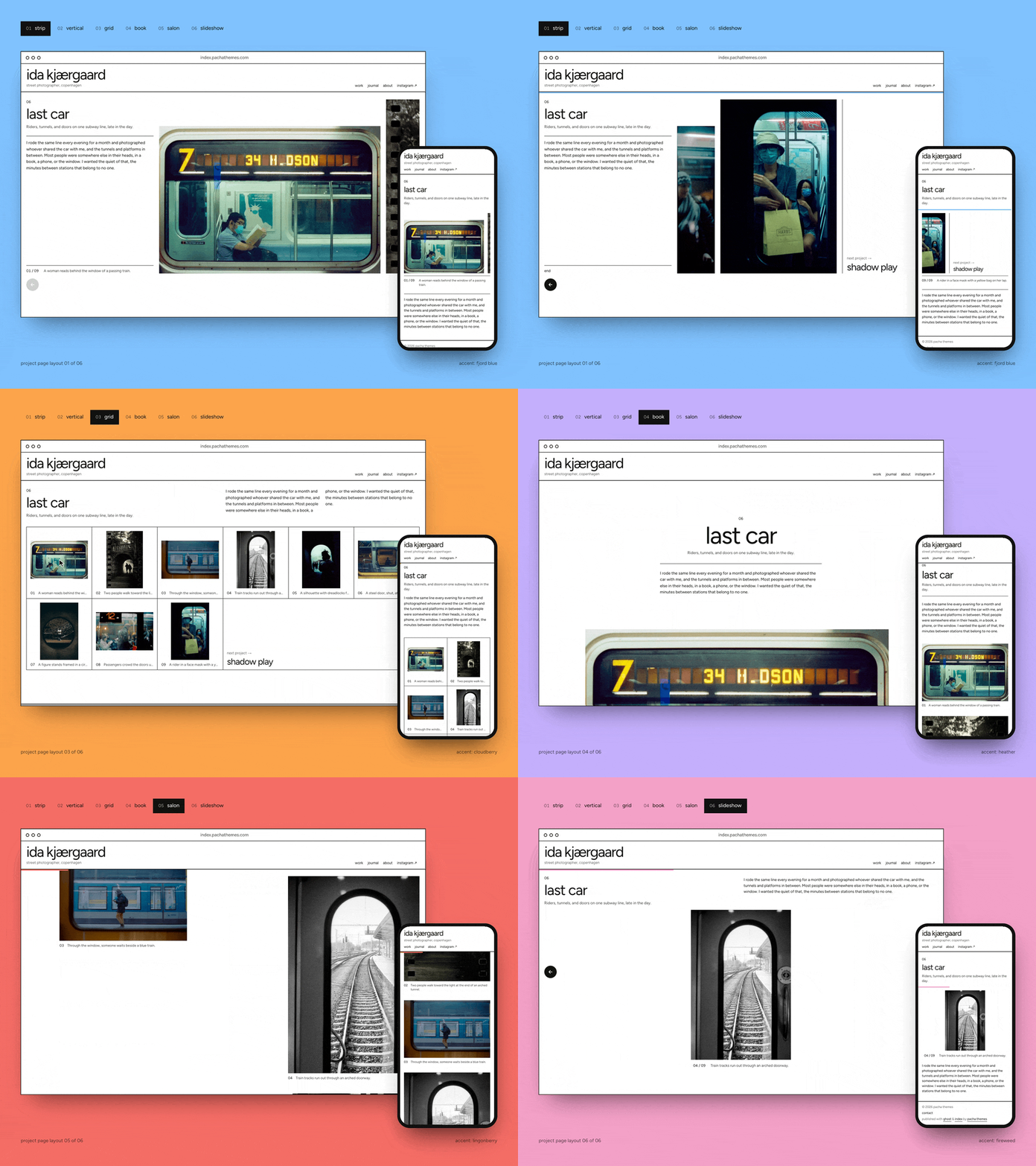
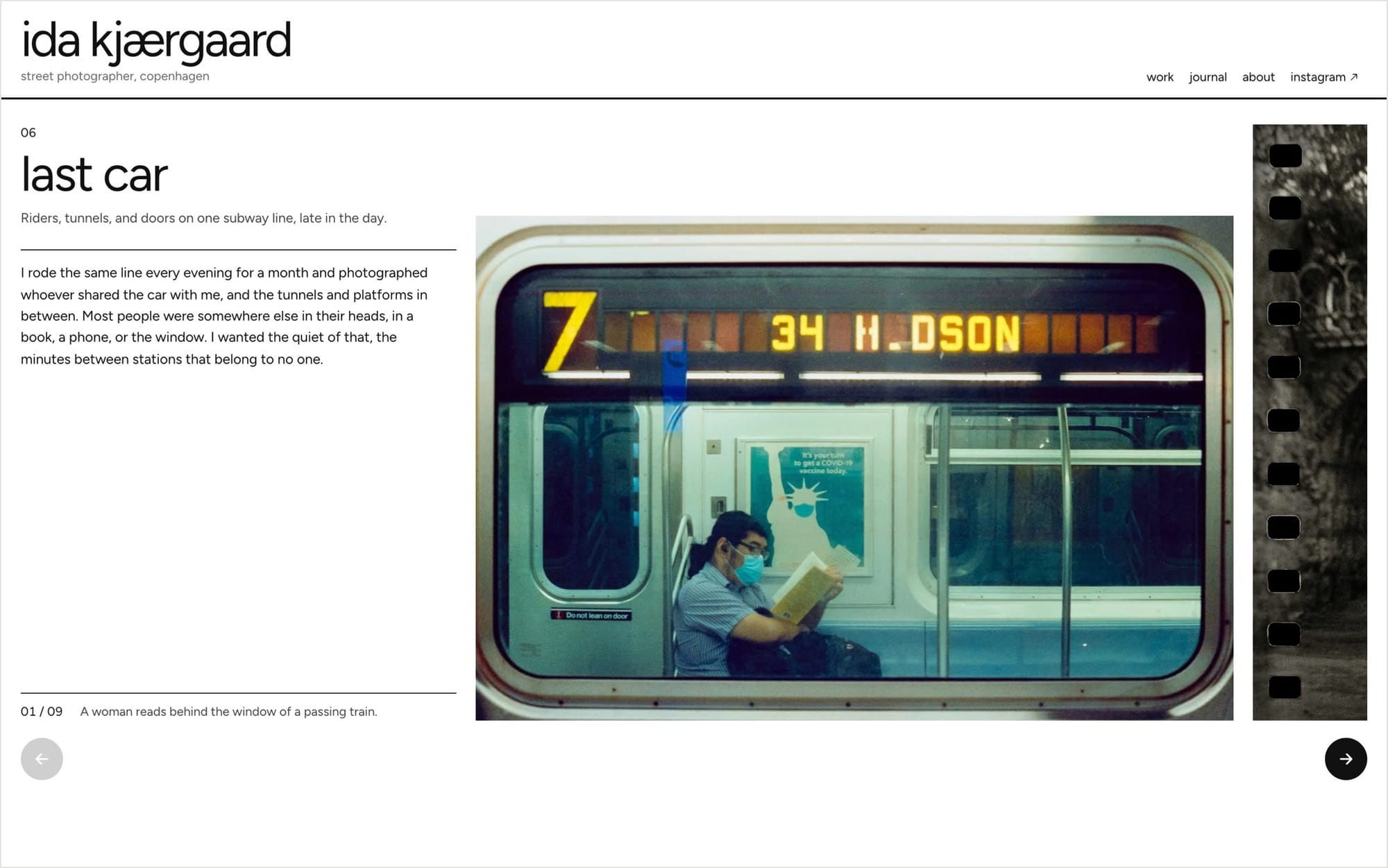
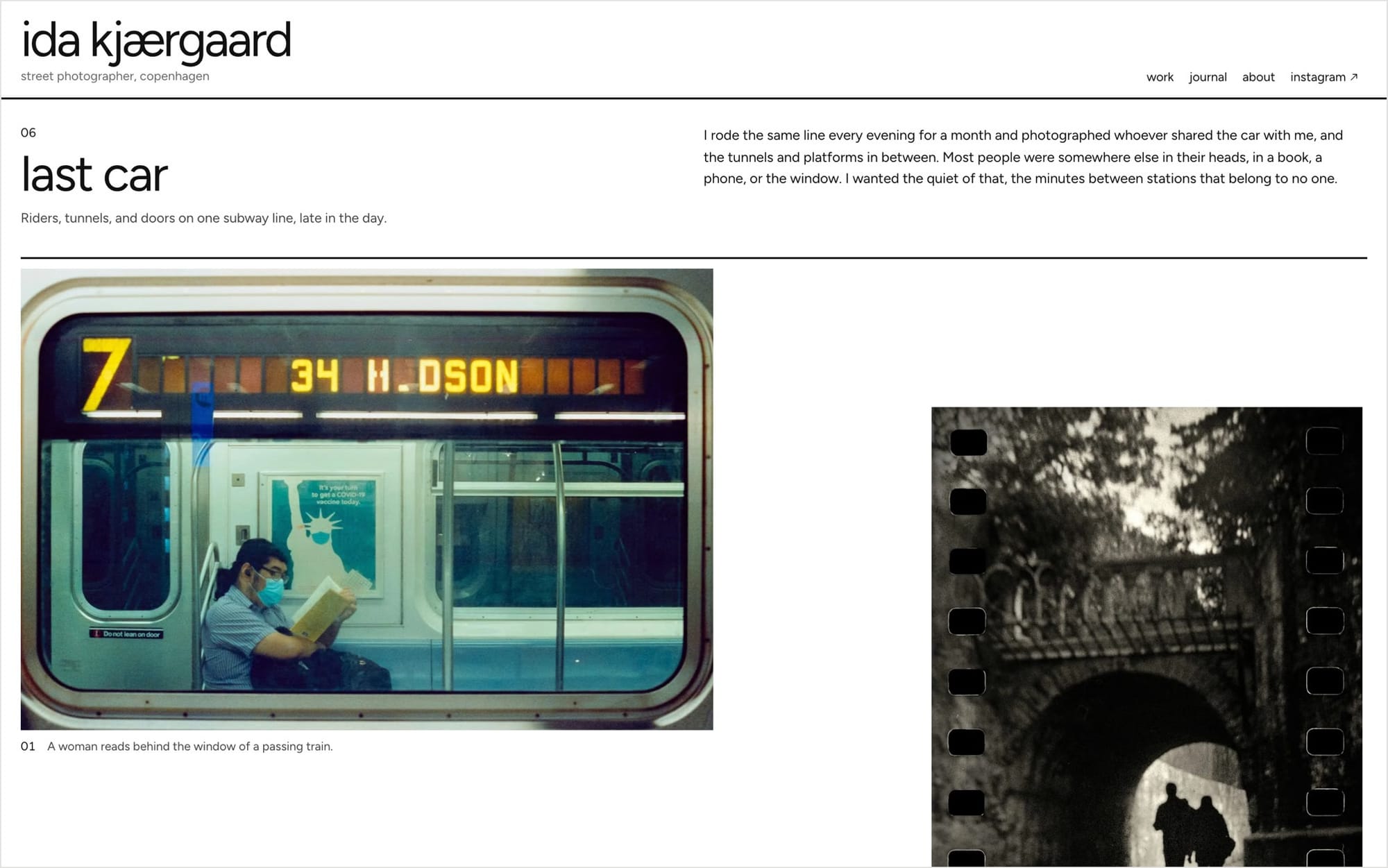
Strip. The description on the left, photos side by side in a strip that scrolls sideways. The default, and good for most projects.
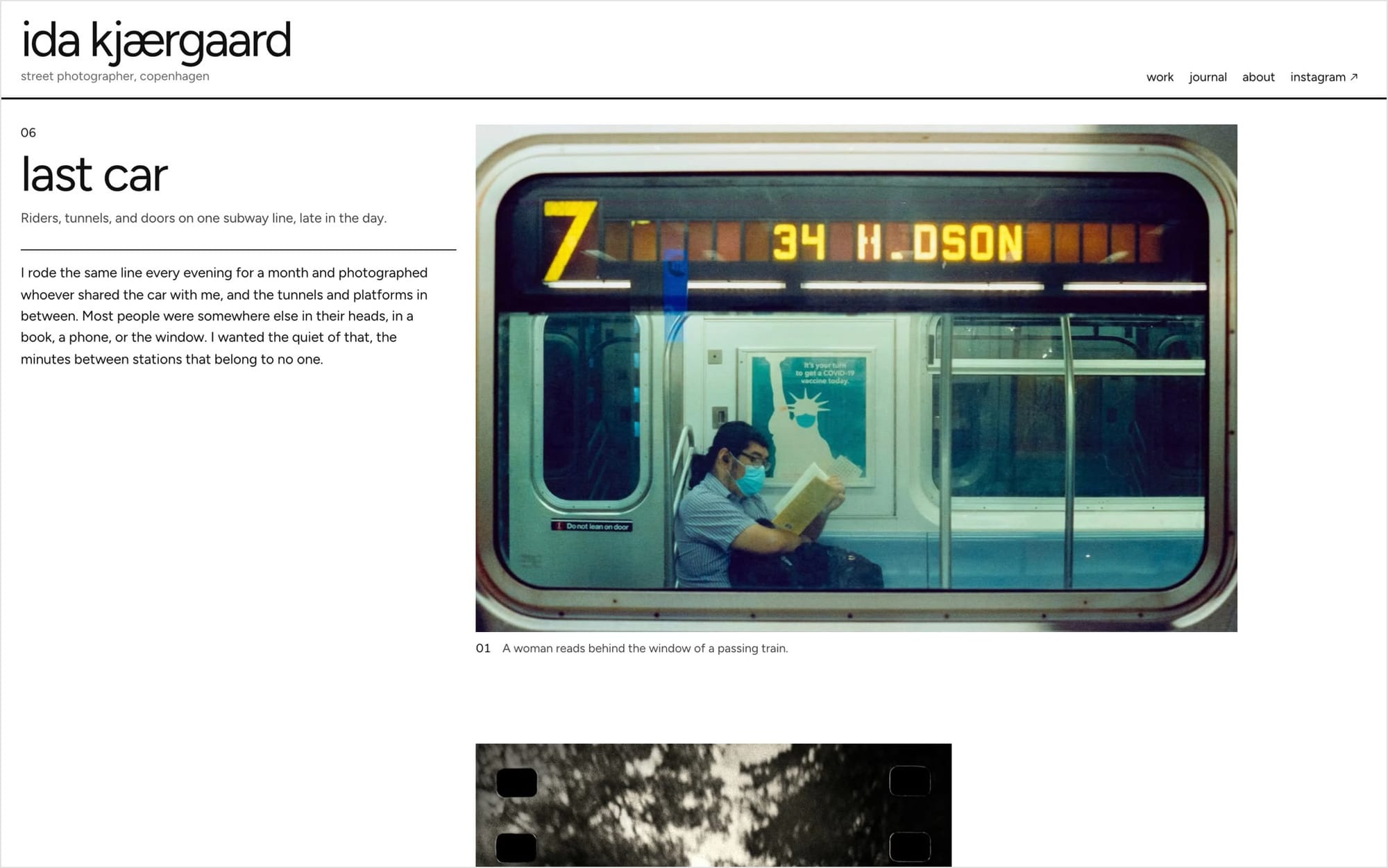
Vertical. Photos run down the page with their captions while the description stays in view. Made for photo essays read in order.
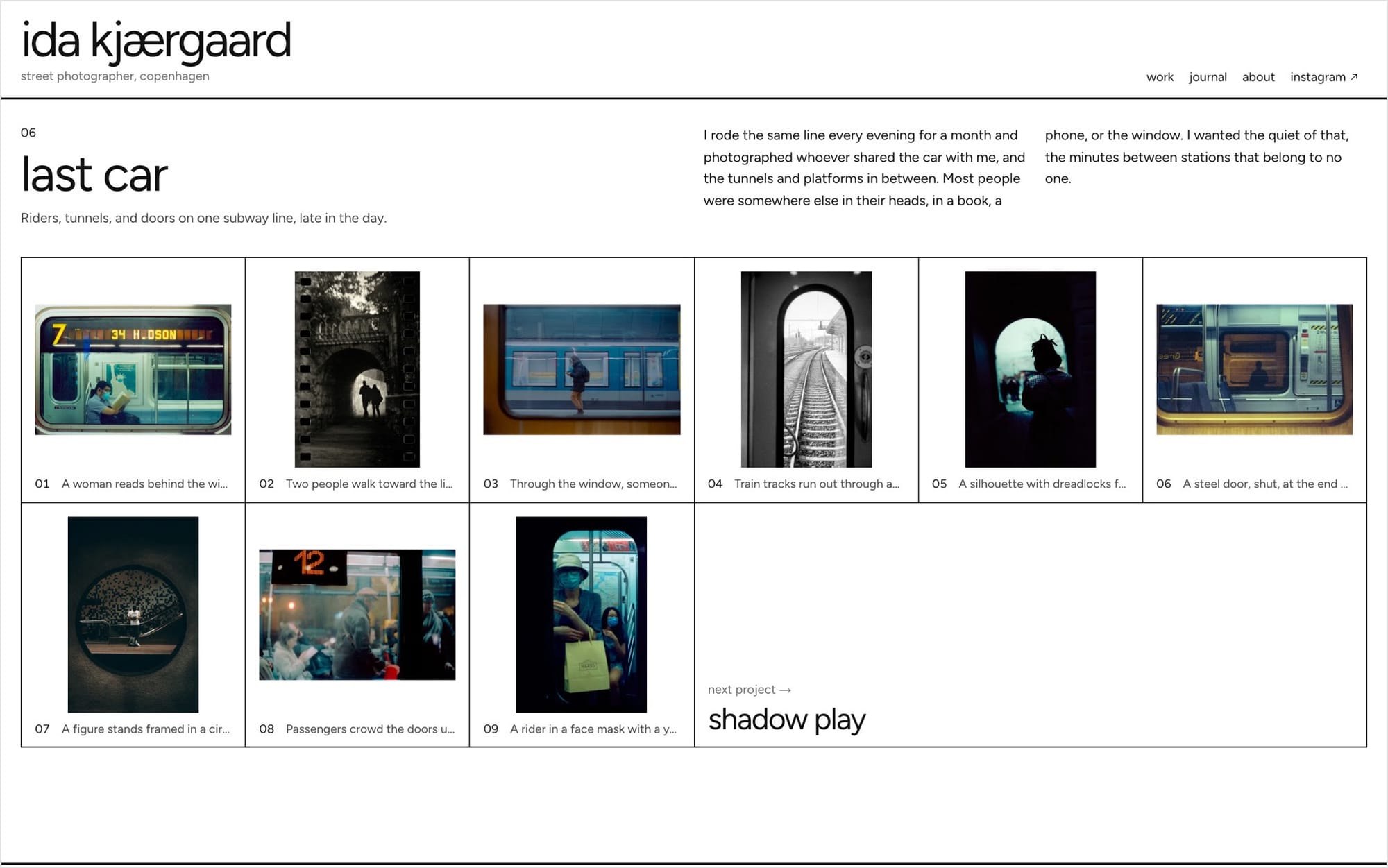
Grid. A contact sheet, with every photo as a numbered frame. Pointing at one circles it, like a photo editor's grease pencil.
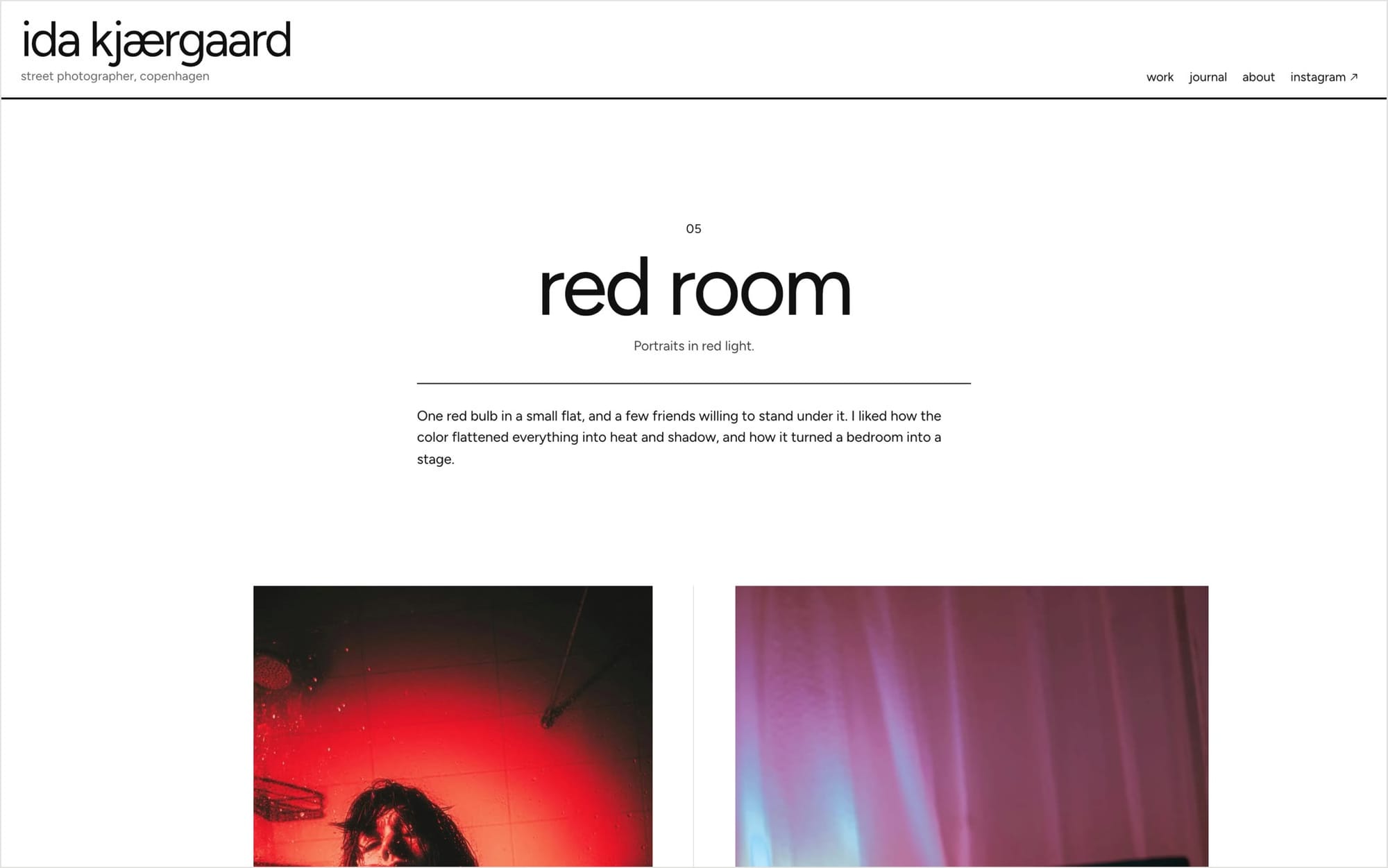
Book. Like a photobook: the description sits alone like a title page, and two portraits in a row share a spread.
Salon. A gallery wall, with photos at different sizes and heights.
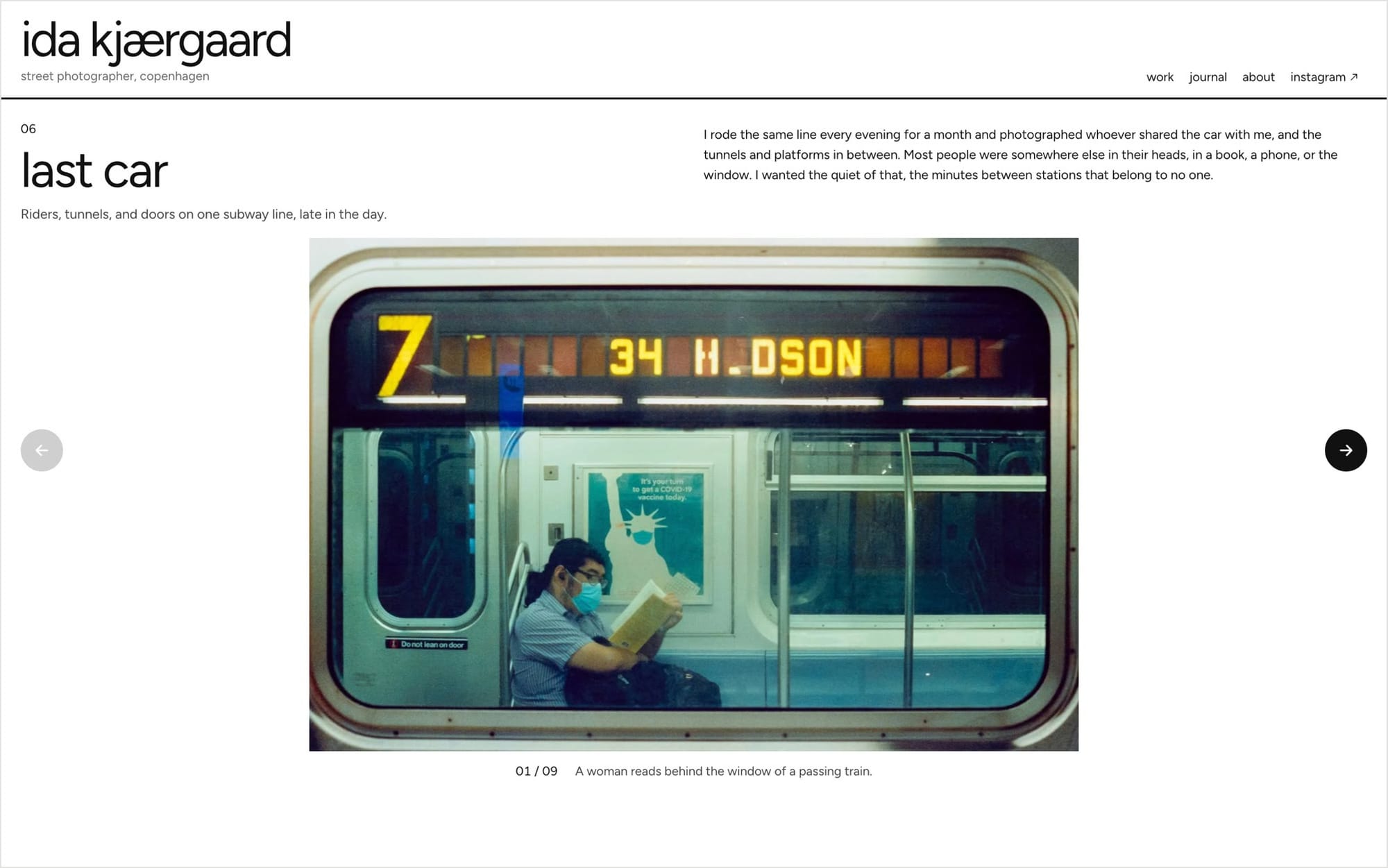
Slideshow. One large photo at a time, with arrows on either side.
In every layout, clicking a photo opens it full screen, and the next project is one click away at the end.
Seven journal layouts
A list with or without photos, a spacious or compact grid, a front page where the newest entry runs like a cover story, an archive grouped by year, or alternating rows with large photos. Entries themselves read like well-set articles, with every Ghost editor block styled to match.
Five about layouts
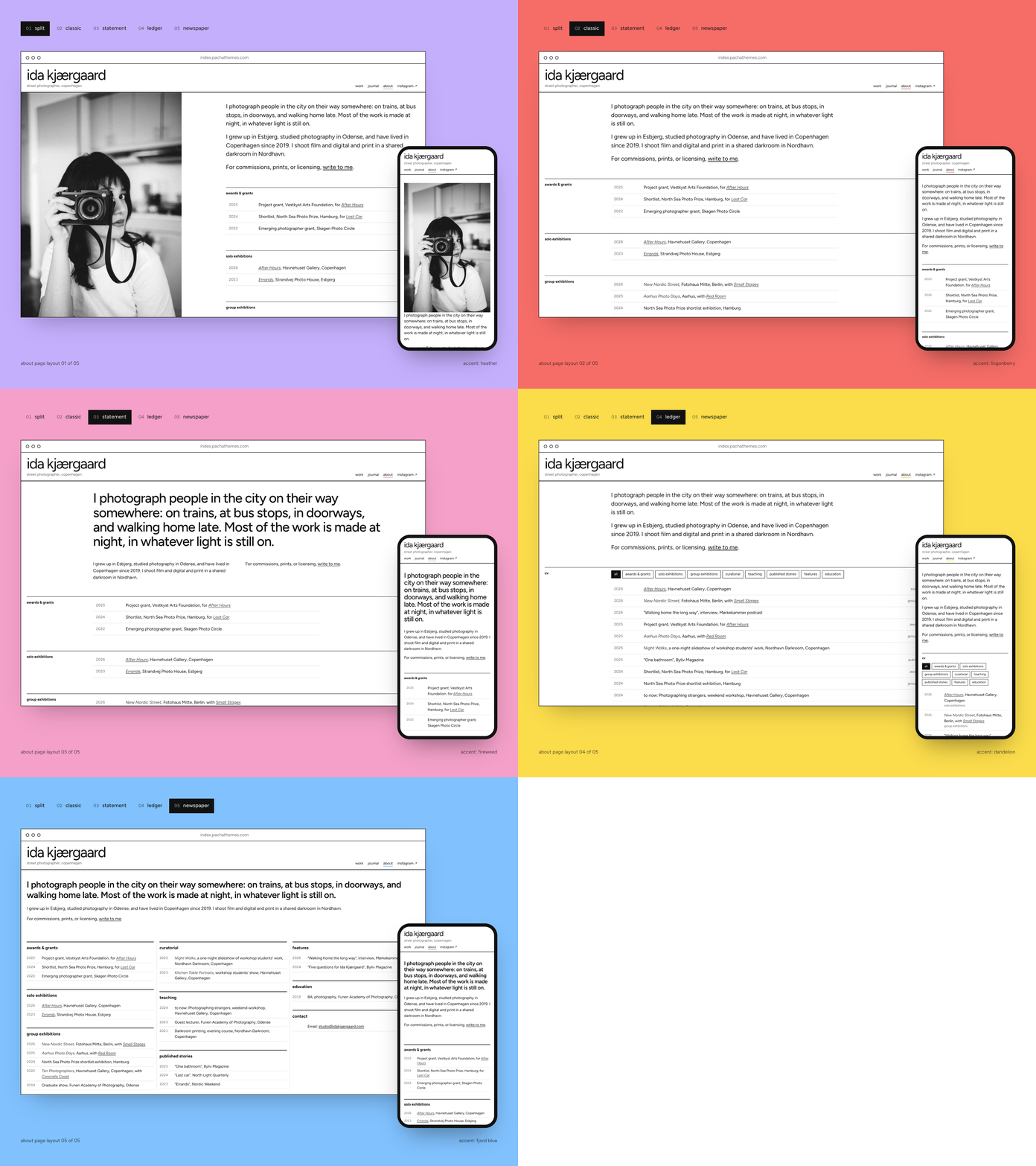
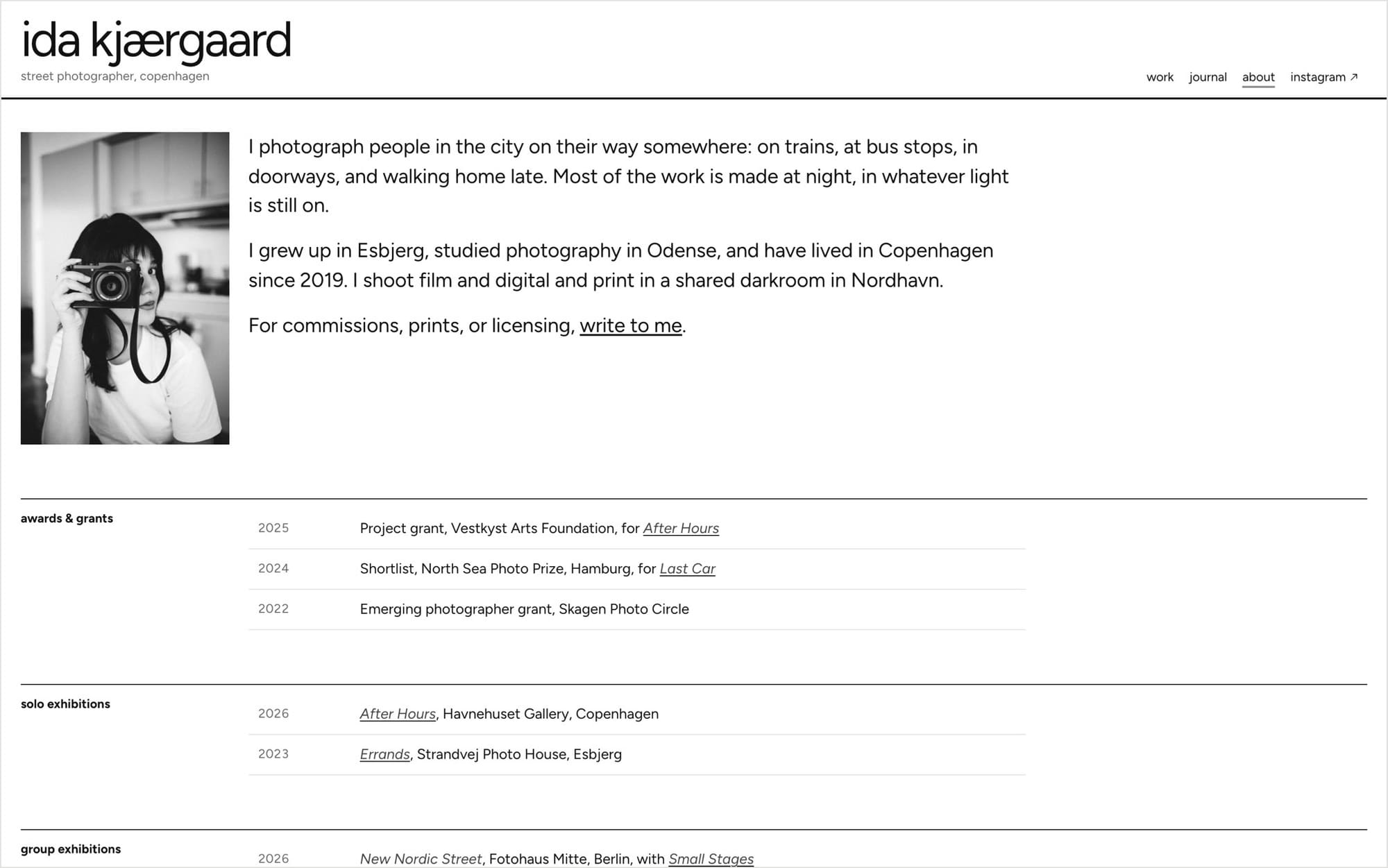
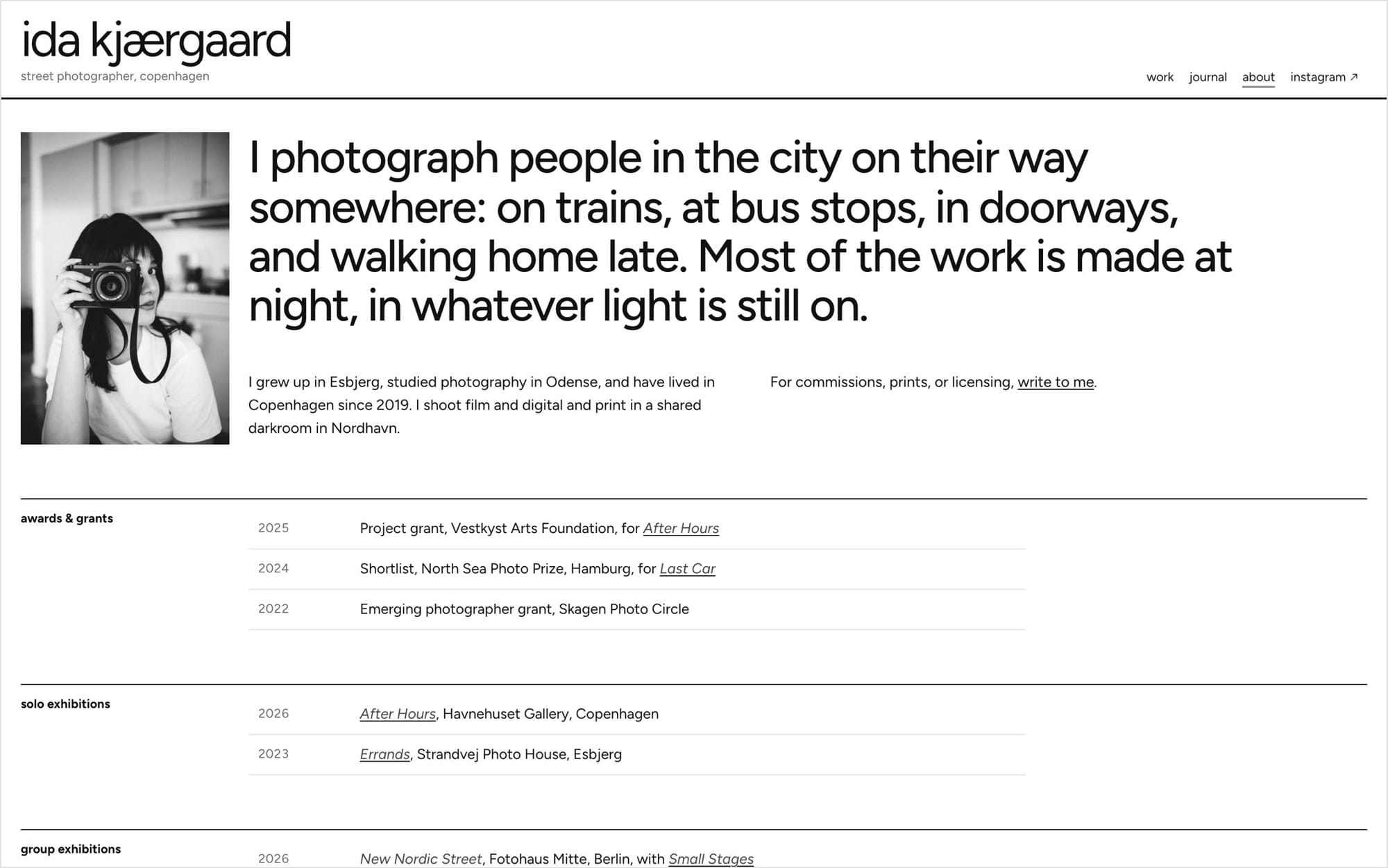
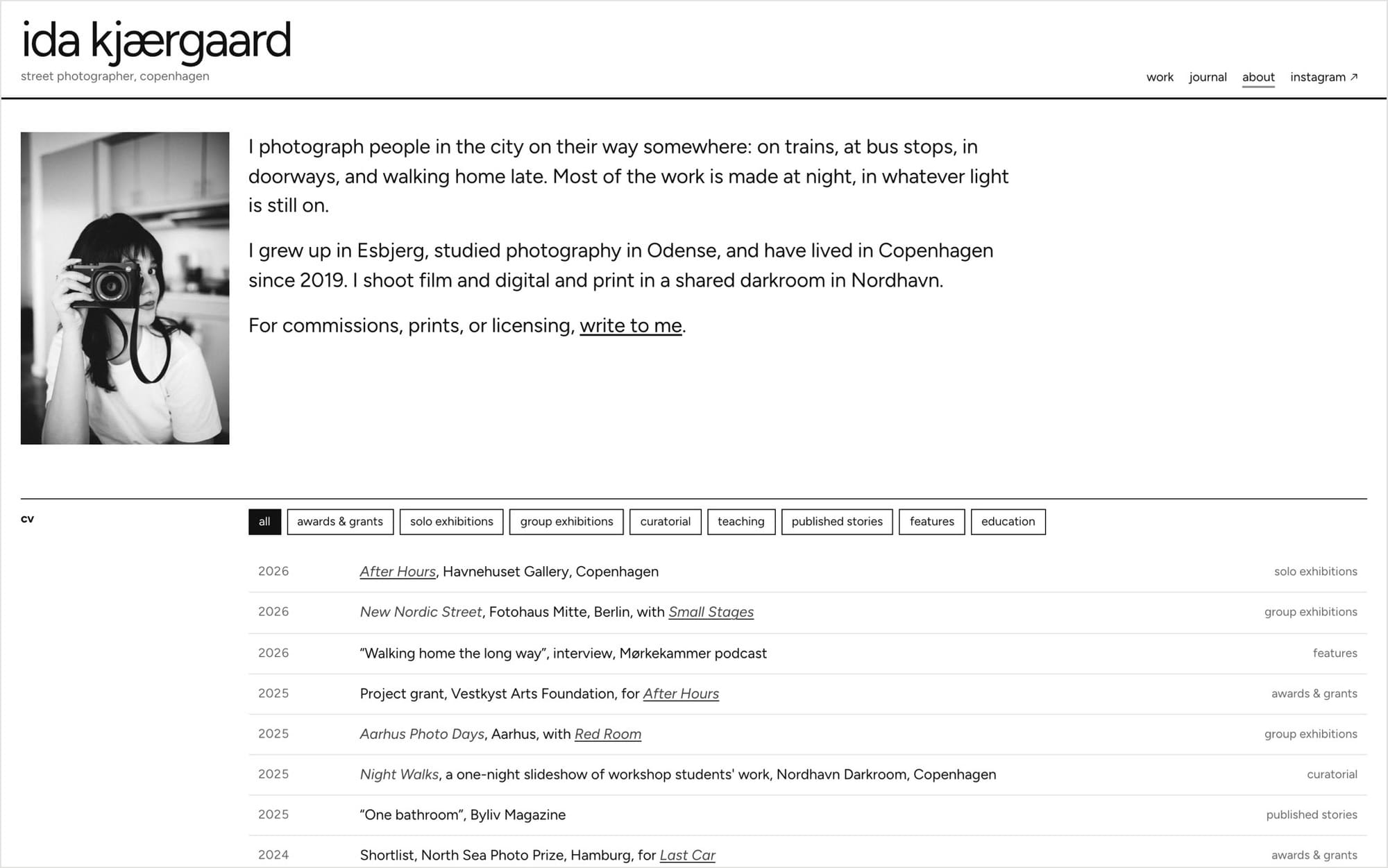
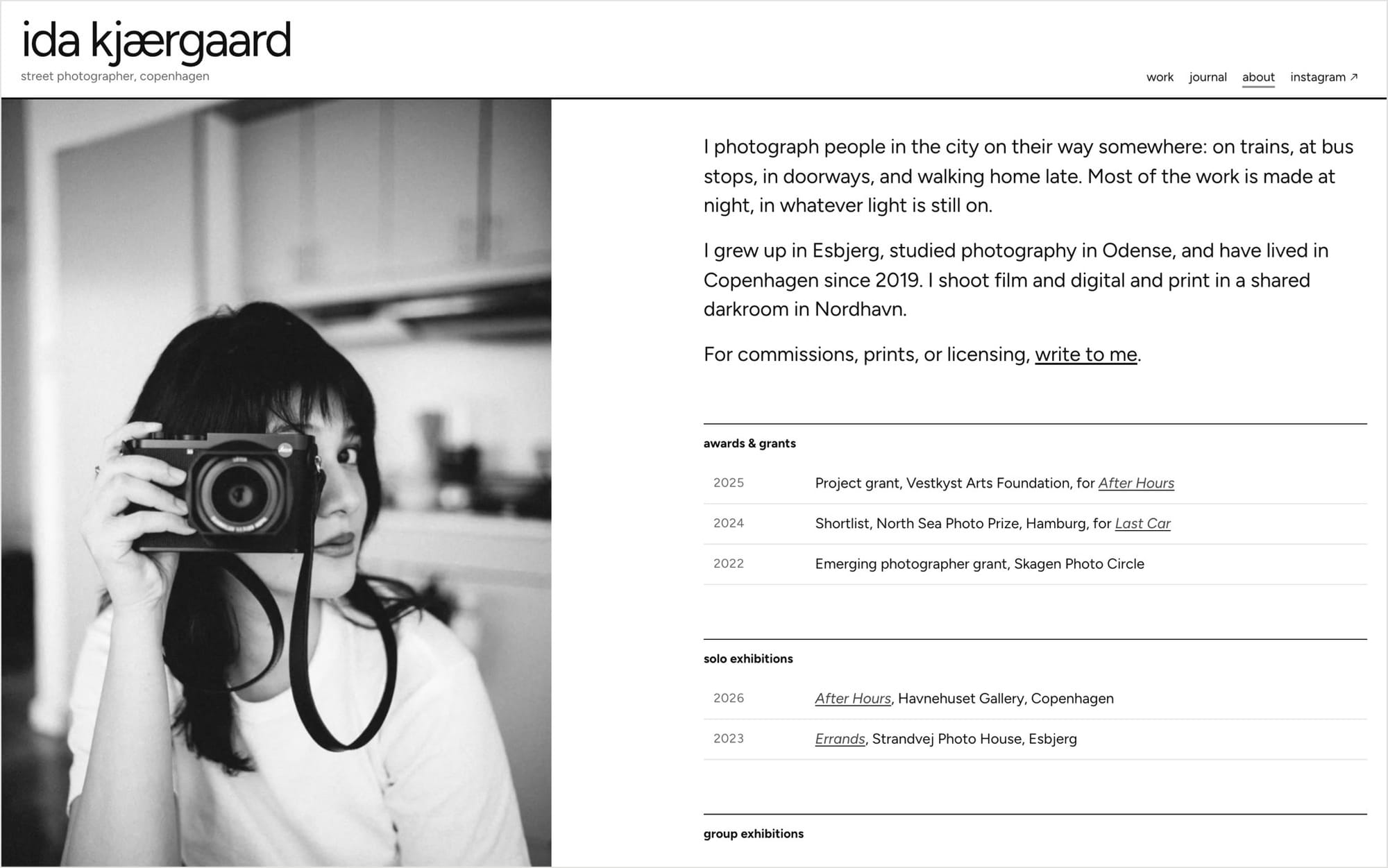
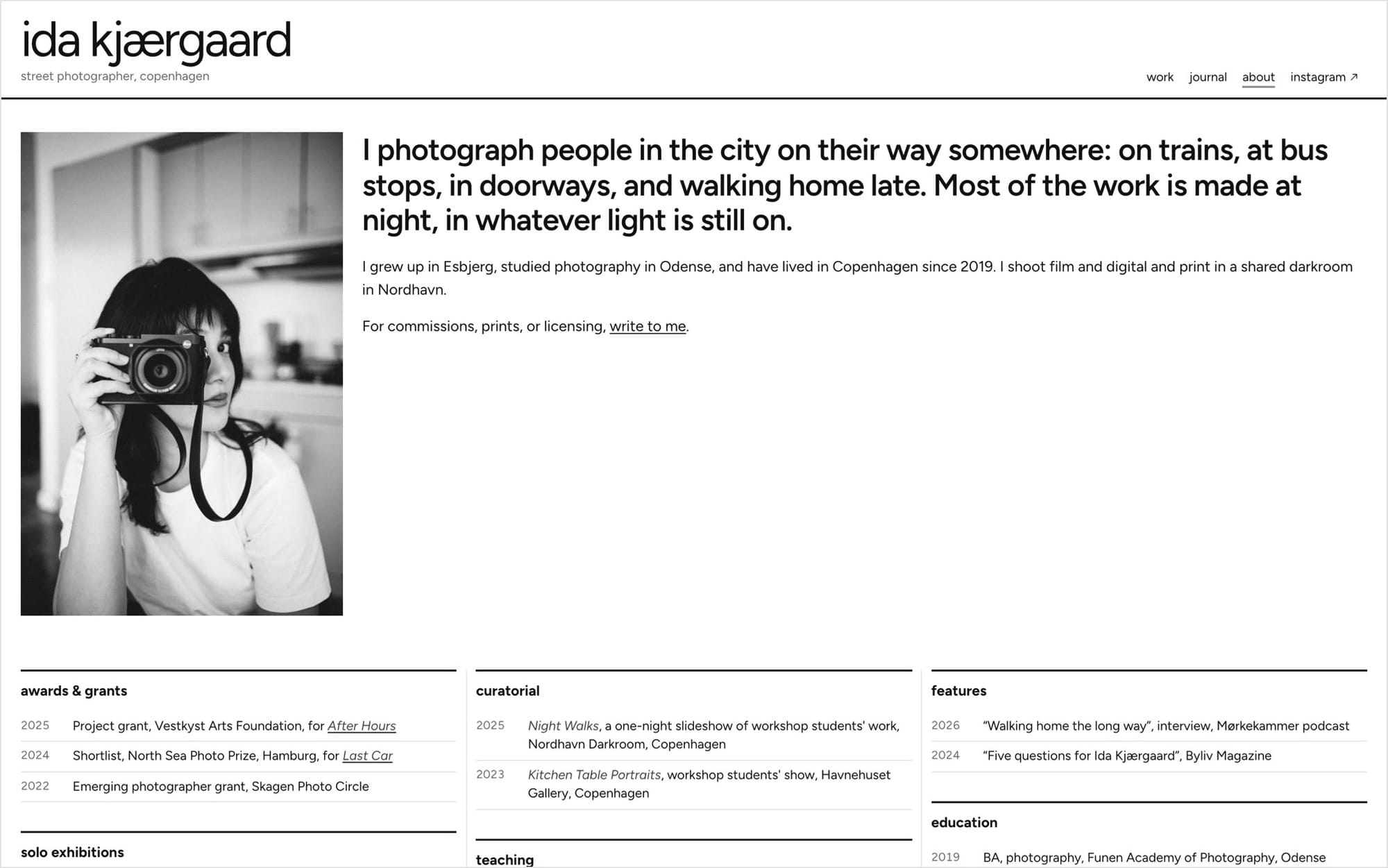
Write your CV as a simple list, and Index sets it neatly. If you're not sure what to write, see how to write an artist bio and about page. Classic is a reading column with ruled CV sections. Statement sets your first paragraph very large, like a pull quote. Ledger puts every dated entry in one list, with buttons to show just awards or exhibitions. Split keeps your portrait in place while your bio scrolls beside it. Newspaper packs your CV into columns.
Why we designed a minimal Ghost theme this way
Every theme is a set of decisions. Here are the ones that shaped Index, and the reasons behind them.
- Your name is the biggest thing on the homepage, not ours. A portfolio should introduce you. The theme's own credit is one small line in the footer.
- The homepage is an index, not a wall of thumbnails. A numbered list lets people read titles, years, and places at a glance, and shows one cover at a time as they point, so each photograph gets the whole stage. On a phone, the project in the middle of the screen lights up as you scroll.
- Quiet defaults. Every setting starts on its first, calmest option, so a new site looks finished before you change a thing, and your photographs, not the theme, set the mood.
- Projects are ordinary Ghost posts. No special fields and no lock-in. Your text becomes the description, your photos become the project, and if you ever change themes, your work comes with you untouched.
- Layouts borrowed from print. Contact sheets, photobooks, and gallery walls are how photographers and designers have always shown work, so three of the six project layouts (grid, book, and salon) start from them.
- Small and fast. Under 30 KB of CSS and JavaScript, typefaces stored inside the theme, and images sized for every screen. Less for the browser to load means more time looking at your work.
- Made for everyone who visits. Keyboard friendly, labeled for screen readers, calmer for people who turn motion off, and dates written as numbers, so they read the same in any language.
Settings for the whole site
Four hover styles, your accent color from Ghost, light, dark, or automatic color schemes, eight typefaces, and three title cases. You can try them all on our homepage, and every one is a setting in Ghost's design panel. No code, and you can change your mind any time.
What's built in
Search, members, newsletters, and comments, all styled to match, so you can send new work by email as you publish it. Images are sized for each screen and load only as they scroll into view, and the theme's own CSS and JavaScript come to under 30 KB, compressed. It works with keyboards and screen readers, respects people who turn motion off, and its interface words are in one file, ready to translate.
Made to be understood by search engines and AI
Ghost describes every page to search engines in general terms: a website, an article. Index adds a description made for a portfolio, in the structured data that search engines and AI tools read:
- You, as a person or a studio, with your name, your site description, the portrait from your about page, and links to your other profiles from your menus and Instagram setting.
- Each project as a creative work, with its excerpt as the description, its cover image, its year, and its place (the first tag), made by you.
- Your homepage as the list of your projects, and your about page as a profile of you.
- Breadcrumbs on projects and journal entries.
There's nothing to switch on: Index builds it from what you've already filled in. It can't promise a ranking or a mention in an AI answer, but it means that when these tools look at your site, they can tell who made the work and what each project is. The details are on the docs page Structured data for search and AI, and our guide Ghost CMS SEO for portfolios covers the ten minutes of setup that help most.
Who it's for
Anyone with visual work to show: photographers, designers, illustrators, architects, artists, and studios, whether the site is for finding clients, applying for a job or a degree, or building a following. We designed it alongside photographers first, which is why images always get room, and why the layouts are named after things like contact sheets and photobooks.
Comparing a few? Our roundup of the best Ghost themes for portfolios introduces ten, from Ghost and other independent makers.
Price
$140 for one site, or $500 for five sites. It's a one-time payment, with free updates, 12 months of support, and a 14-day refund if it isn't right. The best way to decide is to open the live demo and try it with your own work in mind.
Questions people ask
What is Index?
Index is a portfolio theme for Ghost from Pacha Themes. It turns your posts into a numbered list of projects, with six project layouts, a journal, and an about page with a CV, 24 layouts in all.
Who is Index for?
Anyone with visual work to show: photographers, designers, illustrators, architects, artists, and studios. It was designed alongside photographers first, so images always get room.
How much does Index cost?
$140 for one site, or $500 for five sites, paid once. Updates are free, support lasts 12 months, and there is a 14-day refund. Buy Index on Gumroad.
Does Index need code to set up?
No. Every layout, typeface, and color is a setting in Ghost's design panel.
Which Ghost versions does Index work with?
Index is built for Ghost 6. It works on Ghost(Pro) Publisher or higher and on self-hosted Ghost.
Does Index help with SEO and AI search?
Index adds structured data made for a portfolio: you as a person or studio, each project as a creative work with its year and place, your homepage as a list of projects, and your about page as a profile. It helps search engines and AI tools understand your work, but no theme can promise a ranking or a mention in an AI answer.
Which portfolio layout is best for photography?
It depends on the work. A photo essay reads well in the vertical layout, a series with a set order suits the book layout, and a body of single images works as a grid. If you're gathering portfolio layout ideas, try your own photos in each of the six project layouts in the live demo.
Written by Pacha Themes. A small design studio making spacious, minimal themes for Ghost. Our first, Index, is a portfolio theme with 24 layouts, built and tested on Ghost 6. We write about Ghost, web design, and tips for creators here.