For a portfolio, a blog, or a newsletter, we'd choose Ghost. It's fast by default: in Google's real-world data, about three in four Ghost sites pass Core Web Vitals on phones, compared with about half of WordPress sites. It's also calm to use, has members and newsletters built in, and needs little looking after. Choose WordPress if you need its huge library of plugins and themes, for example for a large online store, a booking system, or a course platform. Ghost(Pro) starts at $15 a month billed yearly, and both are free to self-host.
If you're a designer, photographer, illustrator, or artist choosing a home for your work, it usually comes down to Ghost or WordPress. We build our themes for Ghost because we think it's the better fit for portfolios. WordPress is a remarkable project with a lot going for it, though, so here's a fair look at both.
Weighing hosted website builders as well? See our Squarespace alternatives, with prices.
At a glance
| Ghost | WordPress | |
|---|---|---|
| Speed | Fast out of the box: 73% of sites pass Core Web Vitals on phones | Depends on your theme and plugins: 49% pass |
| Writing and admin | One clean editor and a simple dashboard | Block editor, settings spread across plugins |
| Upkeep | One thing to update, or none on Ghost(Pro) | Core, theme, and every plugin |
| Newsletters and members | Built in | Plugins or a separate service |
| SEO basics | Built in | Usually a plugin |
| Extending it | Integrations, an open API, and webhooks | Tens of thousands of plugins |
| Hosting | Ghost(Pro) from $15 a month, billed yearly, or self-hosted | Many hosts, from a few dollars a month |
What each one is
WordPress runs 38.5% of all websites, and 57.4% of the sites whose content management system is known, according to W3Techs. It started as blogging software in 2003 and grew into a do-anything platform, mostly by adding plugins. That flexibility is its great strength.
Ghost is a newer publishing platform built around websites, writing, and email newsletters. It's open source and run by a nonprofit foundation. Instead of leaning on plugins, the things most sites need are built in: members, newsletters, paid subscriptions, search, comments, SEO, and, since Ghost 6, analytics and a connection to the social web. New to it? Start with what Ghost is.
Is Ghost faster than WordPress?
On average, yes. HTTP Archive's technology report, built from Chrome's real-world data, shows that in October 2026, 73% of Ghost sites passed all three Core Web Vitals on phones, compared with 49% of WordPress sites. For Largest Contentful Paint, how quickly the main image or text appears, 87% of Ghost sites were good, against 56% of WordPress sites. Core Web Vitals are Google's measures of loading, responsiveness, and visual stability, and part of how it judges page experience.
A portfolio is mostly images, and images make pages slow. Ghost resizes every image you upload and serves the right size to each screen, so a phone never downloads a photo meant for a 27-inch monitor. Ghost's docs say it compresses and resizes images automatically, and themes can serve them as WebP, which cuts file size by about a quarter. There's no pile of plugins adding code to every page, and Ghost themes tend to be small. Ours, Index, is under 30 KB of CSS and JavaScript, compressed. We kept it small so visitors spend their time on the work, not waiting for the page.
These are averages across every site on each platform, and a carefully built WordPress site can be very fast too, usually with a caching plugin, an image plugin, and a well-made theme. On Ghost, fast is where you start, and you never resize an image by hand. Our guide to image sizes explains how it works.
Using it every day
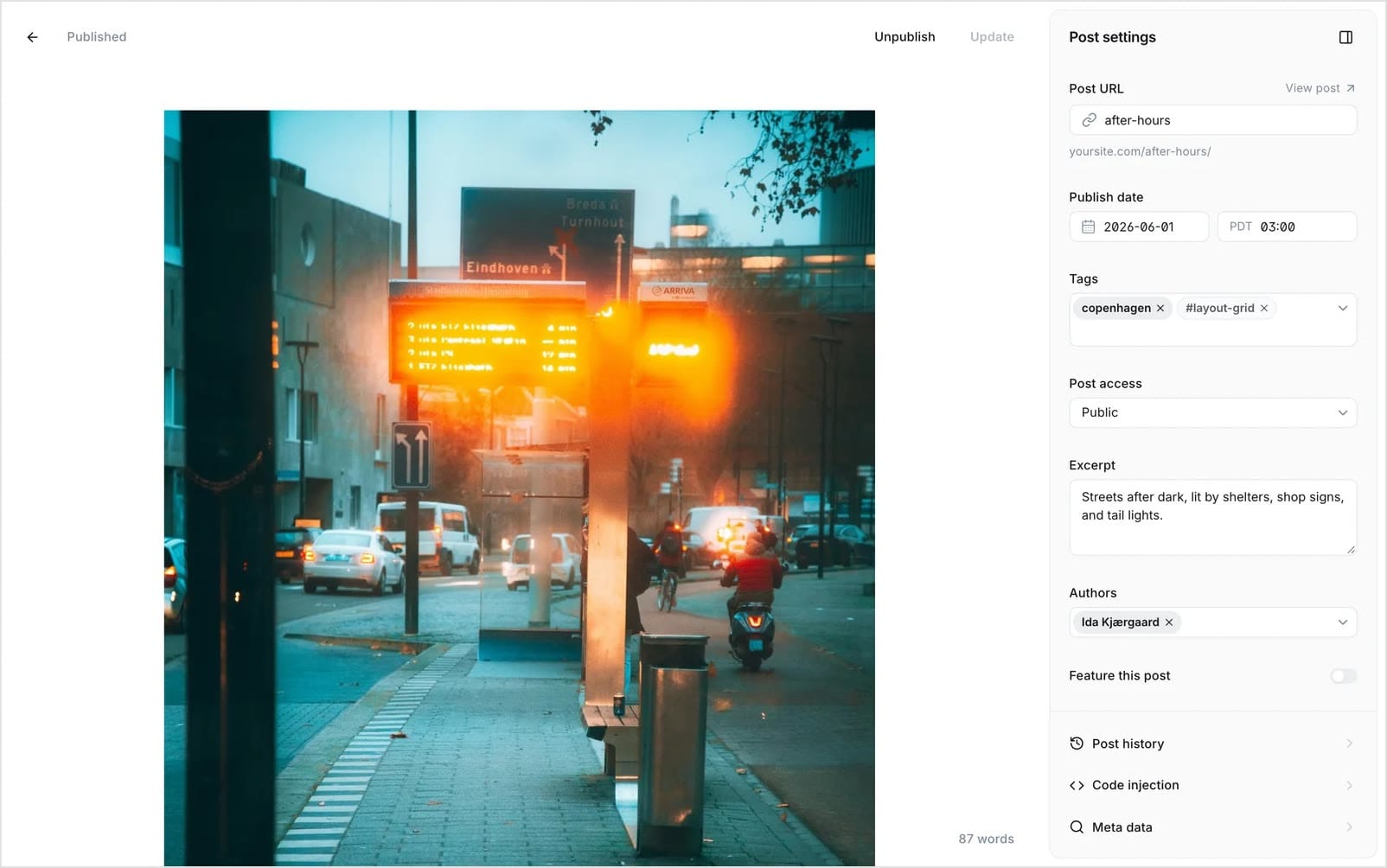
This is the part you'll feel most. Ghost's admin is one calm, quick app. You write in a clean editor that handles images, galleries, video, and embeds without fuss. Your posts, pages, members, newsletters, and analytics live in one place, and publishing a post and emailing it to your subscribers is a single step.
WordPress's editor has come a long way, and it can do almost anything. Because each plugin brings its own settings screen, a typical dashboard has more to find your way around. Which one feels better is personal, so try both if you can.
Keeping it running
A WordPress site has a core, a theme, and a handful of plugins, each updated on its own schedule by different people. Most of the time that works smoothly, but keeping everything up to date and in step takes regular attention, which is why many people use a managed WordPress host or a care plan. Patchstack, a WordPress security company, counted 11,334 new vulnerabilities across the WordPress ecosystem in 2025, and 91% of them were in plugins, with only 6 in WordPress core. Core itself is solid; it's the many moving parts around it that need watching.
On Ghost(Pro), updates, backups, and security are handled for you. If you self-host, there's one thing to update. Either way, you'll spend your evenings on your work, not your website.
Plugins vs integrations
WordPress's plugin library is huge, and it's one of its real strengths. But most portfolios don't need it, because Ghost already does what those plugins are usually for: SEO, memberships, newsletters, search, and fast images.
For everything else, Ghost has an integrations directory with official integrations for tools like Shopify, Gumroad, PayPal, Mailchimp, Plausible, Google Search Console, and Discord, and Zapier connects it to thousands more. If you want something custom, Ghost's open API and webhooks make it easy to build your own. Creating an integration takes a couple of clicks in Ghost's settings, and it gives you keys to read and publish content from anywhere.
Newsletters and members
If you want people to follow your work by email, Ghost does it out of the box. Visitors subscribe on your site, you publish a post, and it goes out as a newsletter, on your own domain and in your own design. You can charge for some posts too, and Ghost(Pro) takes no cut of your subscription revenue.
WordPress can do this with a plugin or a separate email service. It works, but it's another account, another bill, and another thing to connect. If you're new to email, start with how to start a newsletter for your creative work.
SEO
Both can do well in search. The difference is how much you set up. Ghost comes with the basics built in: a sitemap, canonical links, structured data, social cards, and meta fields on every post, with fast pages to go with them. WordPress gets the same from a plugin such as Yoast or Rank Math, which also adds more controls than most people need. Either way, what matters most is the writing: clear titles, a plain description, and alt text. Our guide to Ghost CMS SEO covers the Ghost side.
Selling things
WordPress can run a full shop with WooCommerce, with stock, shipping, and taxes. Ghost sells memberships and paid subscriptions out of the box, with no Ghost fee, but it doesn't have a shop. For prints or digital downloads, most Ghost sites link to a store such as Gumroad or Shopify, or add a payment button to a post. If a big shop is the main thing your site does, WordPress or a dedicated store is the better fit.
Can you leave later?
Yes, with either. Ghost exports all your posts and pages as one file, and your members as a spreadsheet, from Settings, then Advanced, then Import/Export. WordPress exports your content as an XML file from Tools, then Export. Your images come along with a little extra work on both. It's worth knowing before you start, even if you never use it.
Cost
WordPress can be the cheaper start, because basic hosting is inexpensive. Costs can grow over time, with premium plugins on yearly renewals, a bigger host as the site grows, and the time or help needed to keep it updated.
Ghost is free to self-host on a small server, often $6 to $12 a month. On Ghost(Pro), the official hosting, plans start at $15 a month billed yearly. One thing to know: the Starter plan only runs Ghost's built-in theme and caps uploads at 5MB per file. To use a portfolio theme you need Publisher, from $29 a month billed yearly, which also allows 100MB per file. Paid Ghost themes usually cost between $35 and $150, paid once. We explain every limit in which Ghost(Pro) plan you need.
A year of costs in 2026, side by side
Billed yearly, for a small site:
| Setup | Hosting a year | What's included |
|---|---|---|
| WordPress.com Personal | $48 | Hosting and your own domain; check which plan you need for plugins |
| WordPress, self-hosted | About $72 to $144 for a small server | Everything, plus your time for updates; premium plugins and an email service are extra |
| Ghost(Pro) Starter | $180 | Hosting, newsletters, members; Ghost's built-in theme only |
| Ghost(Pro) Publisher | $348 | All of Starter, plus any theme and paid subscriptions with no Ghost fee |
| Ghost, self-hosted | About $72 to $144 for a small server | Everything, plus your time for updates and an email service for newsletters |
Sources: WordPress.com pricing and Ghost pricing. The cheapest line isn't always the cheapest year. Add up the plugins, email tool, and hours you'd need for the site you actually want.
Design and themes
WordPress has far more themes, and page builders let you drag any layout together. That freedom is wonderful if you enjoy building, and it also means more decisions to keep consistent as a site grows.
Ghost themes are fewer, and they're usually carefully made and changed through simple settings in Ghost's design panel. You pick a layout, a typeface, and an accent color, and the theme keeps everything consistent. For a portfolio, where the work should be the loudest thing on the page, that's exactly what you want. We wrote more about this in how to choose a Ghost theme for your portfolio.
How to move from WordPress to Ghost
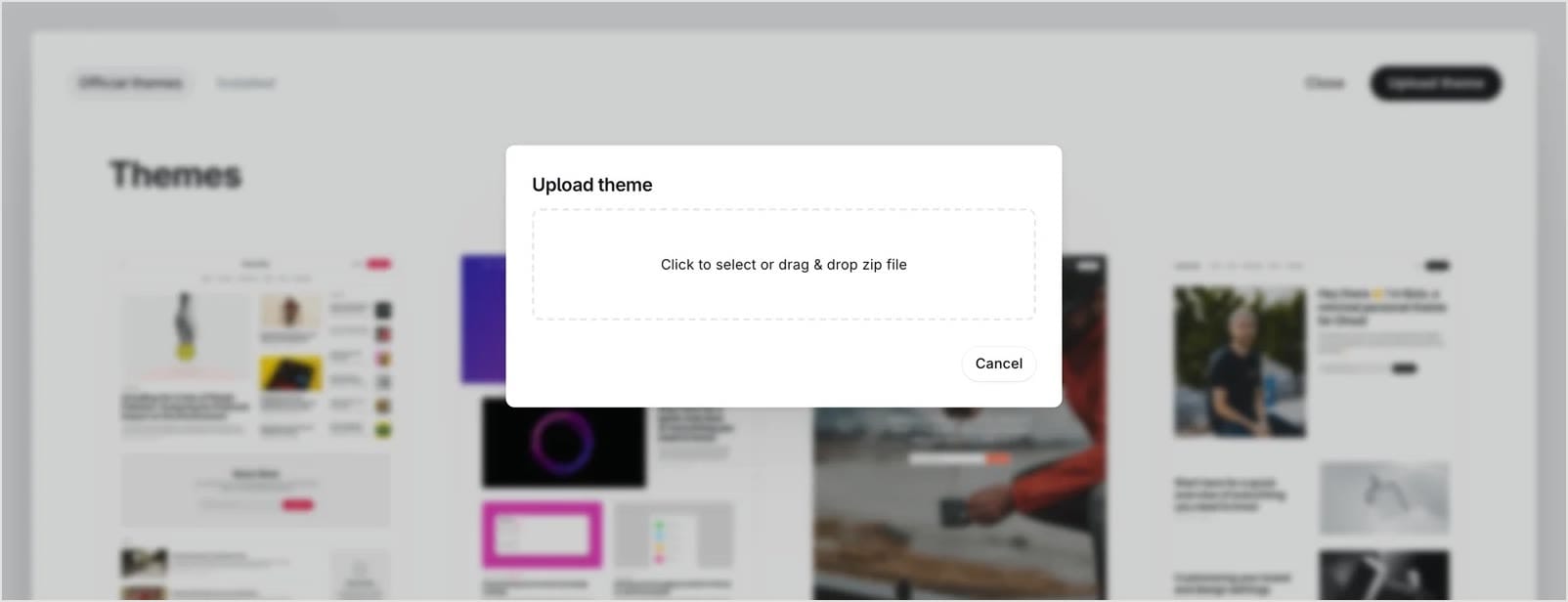
Ghost has a WordPress migrator built into its admin, under Settings, then Advanced, then Import/Export. In short:
- Set up your Ghost site and choose a theme.
- In WordPress, export your content as an XML file (Tools, then Export).
- In Ghost, run the WordPress migrator and upload the file. It brings over posts, pages, tags, and images.
- Check a few posts, then set up redirects for any old addresses that changed, so links and search results keep working.
Ghost's WordPress migration guide lists the limits: files up to 100MB and up to 2,500 posts, with categories turned into tags. Custom post types and most plugin shortcodes don't come across, so a portfolio built with a page builder usually needs its project pages rebuilt. That's a good moment to edit your best work down.
Is WordPress ever the better pick?
Yes, for some sites. If your site is really a large online store, a booking system, or a course platform with its own logins, WordPress and its plugins may suit you better. For selling prints or a few products, though, you can keep your portfolio on Ghost and connect Shopify or Gumroad.
Our take
For portfolios, blogs, and newsletters, we think Ghost is the better fit. It's fast, it's a pleasure to use, and it stays out of your way, so you spend less time on the website and more on the work it shows. If you're ready to try it, start with a theme made for portfolios. You can see how ours works in the Index live demo.
When we designed Index, we leaned into what Ghost does well instead of fighting it: projects are ordinary Ghost posts, the about page is an ordinary page, and every choice, from the homepage layout to the typeface, is a setting in Ghost's design panel rather than a page builder. That keeps a portfolio consistent for years, which is the part page builders make hard.
Comparing other platforms too? Read Ghost vs Squarespace and Ghost vs Substack.
Questions people ask
Is Ghost better than WordPress?
For portfolios, blogs, and newsletters, we think so. Ghost is fast out of the box, simple to use, and needs little upkeep. WordPress is more flexible, with a far bigger plugin library, which suits large stores and unusual features.
Is Ghost faster than WordPress?
On average, yes. In October 2026, 73% of Ghost sites passed Google's Core Web Vitals on phones, compared with 49% of WordPress sites, according to HTTP Archive. A carefully built WordPress site can be fast too.
Is Ghost better than WordPress for a portfolio?
Yes. Ghost handles images well, keeps pages fast, and gives you a journal, newsletter, and members without plugins. With a portfolio theme, it makes a clean portfolio that is easy to run.
Does Ghost have plugins?
Ghost has integrations instead. Its integrations directory lists official ones for tools like Shopify, Gumroad, Mailchimp, Plausible, and Google Search Console, and Ghost connects to thousands more through Zapier. Custom integrations take a few minutes to set up with Ghost's API and webhooks.
How much does Ghost cost?
Ghost is free to self-host. On Ghost(Pro), the official hosting, the Starter plan is $15 a month billed yearly but only runs Ghost's built-in theme. To use any other theme you need Publisher, from $29 a month billed yearly. Prices rise with the number of members on your list.
Is Ghost good for SEO?
Yes. Ghost writes sitemaps, meta tags, canonical links, and structured data for you, with no SEO plugin needed, and Ghost sites are usually fast, which search engines reward. For how this carries over to AI answers, see AEO vs SEO vs GEO.
Can I move my site from WordPress to Ghost?
Yes. Ghost has an official migration tool for WordPress that brings over your posts, pages, tags, and images. You choose a new theme on the Ghost side.
Is Ghost cheaper than WordPress?
Not always. WordPress.com Personal is $48 a year, and Ghost(Pro) Starter is $180 a year, billed yearly. Self-hosted, both cost about the same for a small server. Ghost often costs less once you count the plugins, email tool, and upkeep a WordPress site needs to do the same job.
Written by Pacha Themes. A small design studio making spacious, minimal themes for Ghost. Our first, Index, is a portfolio theme with 24 layouts, built and tested on Ghost 6. We write about Ghost, web design, and tips for creators here.